
 Need help?
Do you have a question about the Sinexcel PWS1 Series and is the answer not in the manual?
Explains symbols used to indicate danger, warning, caution, and notice.
Provides critical safety guidelines for installation and operation.
Introduces the PCS as a battery power conversion system for grid-compliant AC.
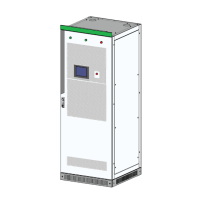
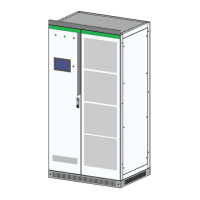
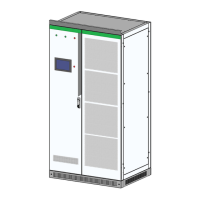
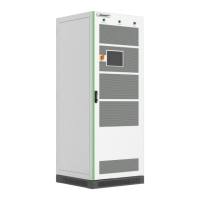
Shows a diagram of the PCS and labels its main components.
Details critical safety instructions for the installation process.
Covers the physical aspects of installing the PCS unit.
Details how to connect the electrical components of the PCS.
Highlights safety precautions to be taken during operation.
Provides step-by-step instructions for powering on the PCS.
Provides instructions for manually starting the PCS.
Outlines the steps for shutting down the PCS.
Emphasizes safety precautions during troubleshooting.
Lists faults resulting from incorrect parameter configurations.
Details safety precautions to be observed during maintenance.
Outlines the maintenance schedule and necessary consumables.
Explains the initial startup process of the HMI touch screen.
Details how to set various parameters for the PCS.
Covers settings related to AC power and grid interaction.
Covers settings related to DC input and battery parameters.
 General
| Model | PWS1 Series |
|---|---|
| Category | Inverter |
| Output Frequency | 50Hz/60Hz |
| Operating Temperature | -25°C to +60°C |
| Protection Level | IP65 |
| Cooling Method | Natural Cooling |
| Communication | RS485 / Wi-Fi / GPRS |
| Output Voltage | 220V/230V (Single Phase) |



 To Next Page