EasyManua.ls Logo

Singer 1410 - Changing Sewing Direction and Fastening Seams

Singer 1410
38 pages
Print Icon
To Next Page IconTo Next Page
To Previous Page IconTo Previous Page
Loading...
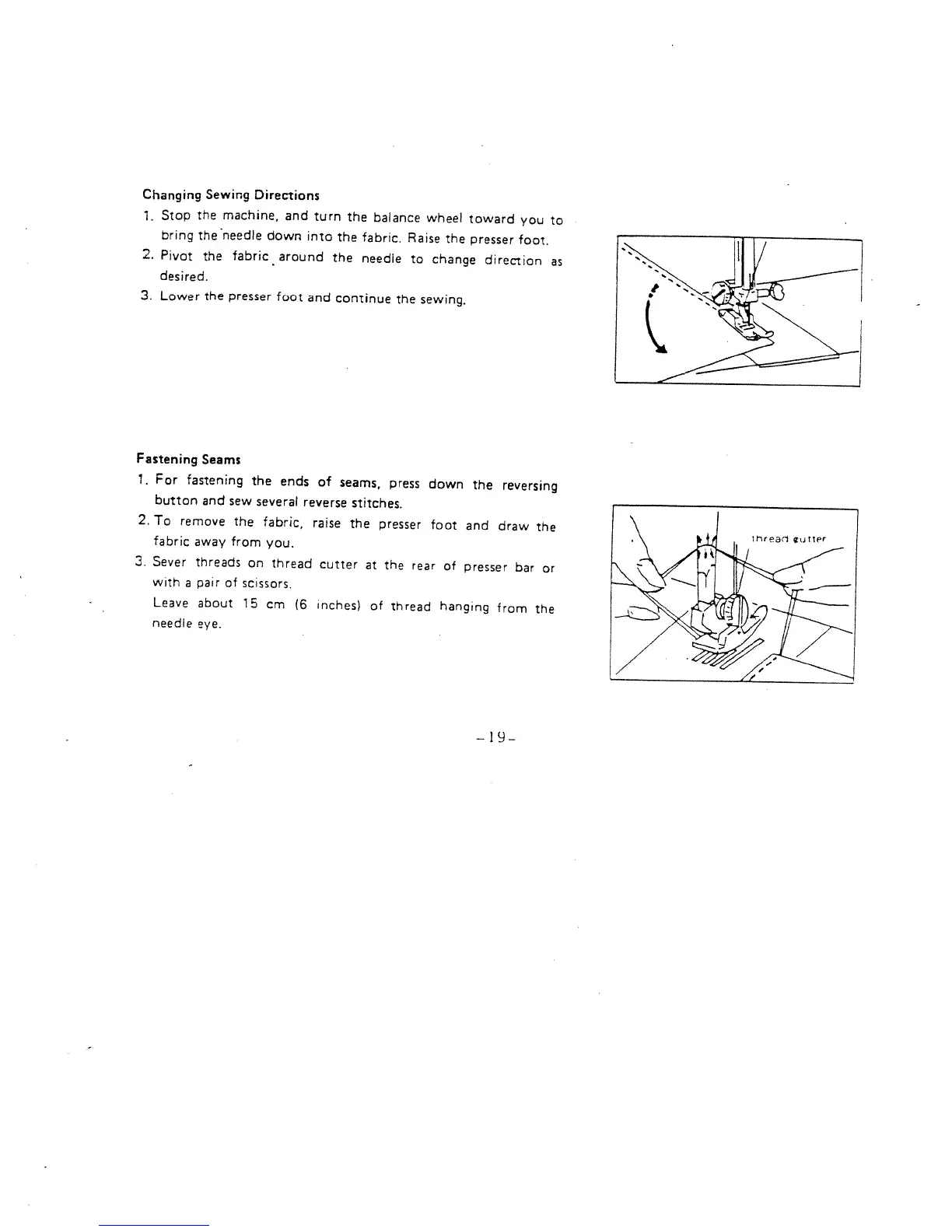
Changing
Sewing
Directions
1.
Stop
the
machine,
and
turn
the
balance
wheel
toward
you
to
bring
the
‘needle
down
into
the
fabric.
Raise
the
presser
foot,
2.
Pivot
the
fabric
around
the
needle
to
change
direction
as
desired.
3.
Lower
the
presser
foot
and
continue
the
sewing.
Fastening
Seams
1.
For
fastening
the
ends
of
seams,
press
down
the
reversing
button
and
sew
several
reverse
stitches.
2.
To
remove
the
fabric,
raise
the
presser
foot
and
draw
the
fabric
away
from
you.
3.
Sever
threads
on
thread
cutter
at
the
rear
of
presser
bar
or
with
a
pair
of
scissors,
Leave
about
15
cm
(6
inches)
of
thread
hanging
from
the
needle
eye.
-19-

Related product manuals