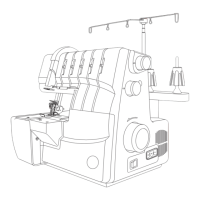
Step 2:
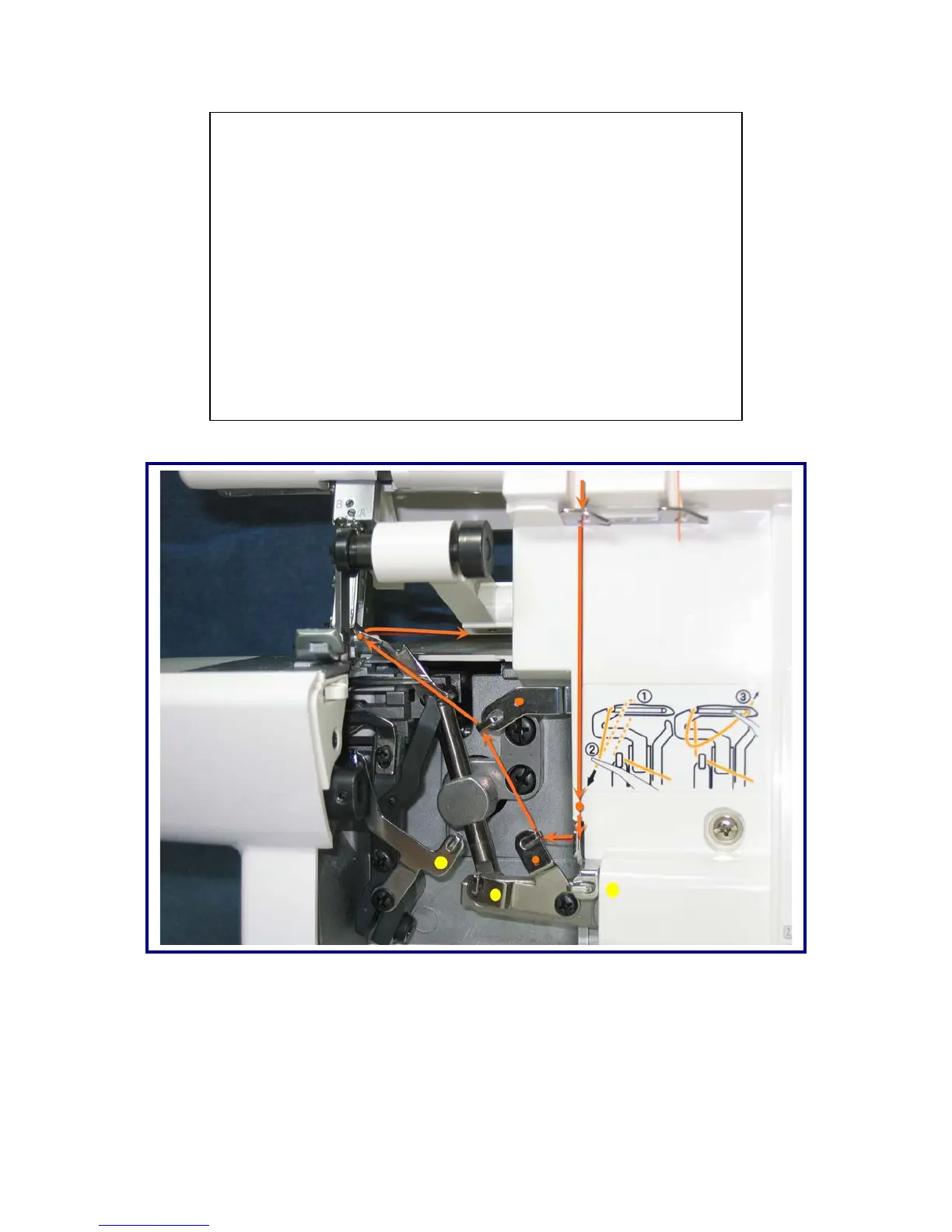
Threading Upper Looper: (ORANGE)
• Always begin threading your serger by starting with
the upper (orange) looper.
• Slip the thread behind the first guide directly below the
tension dial from right to left.
• Slip the thread behind the next 4 guides (these are
indicated by orange dots below the guide).
• Next thread the eye of the looper, and then pull the
thread towards the back of the serger, leaving
approximately 8 inches of thread.


 To Next Page