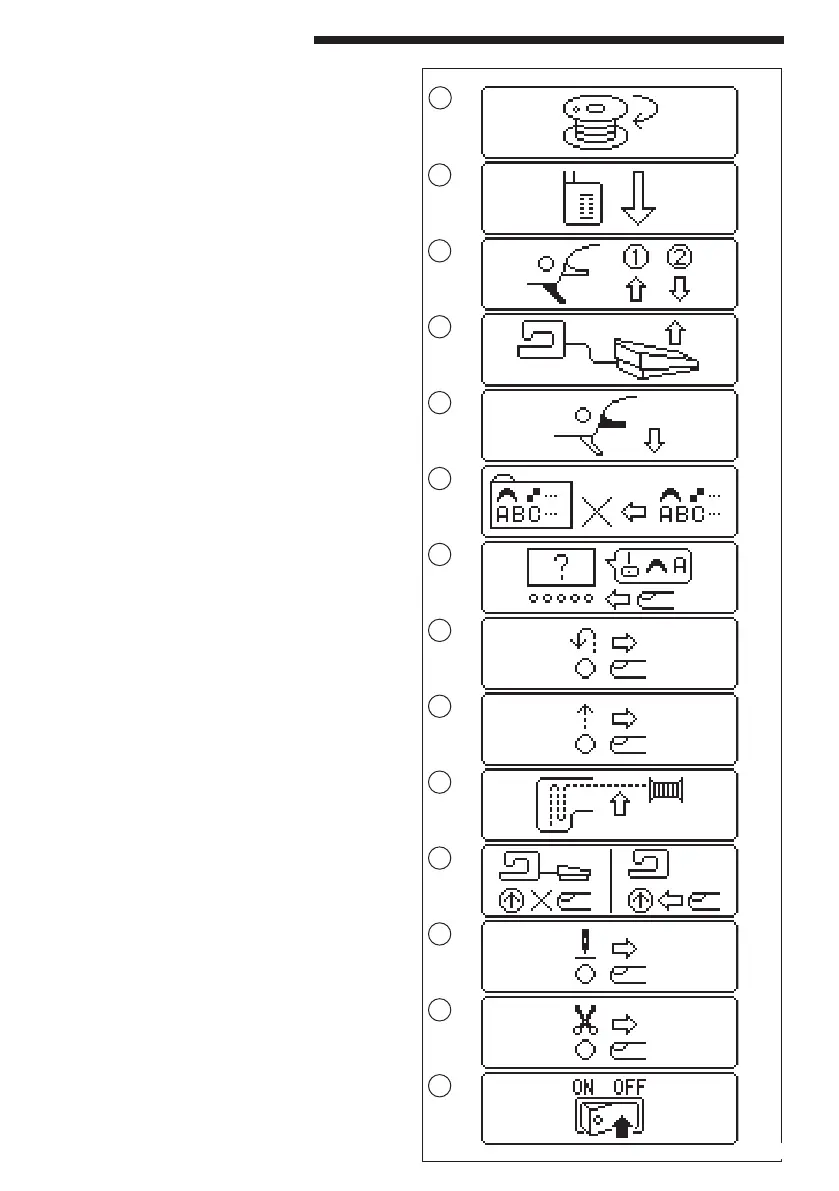
1. Winding the bobbin.
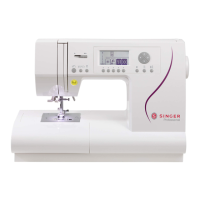
MESSAGES ON LCD
2. Lower the buttonhole lever.
1
2
3. After sewing buttonhole, raise the presser foot
lifter and set the frame of buttonhole foot to
starting position.
4. Release the foot control pedal.
5. Lower the presser foot.
6. Machine memory is full.
7. Select a pattern.
8. Release the reverse button.
9. Release the start/stop button.
10.Rethread the upper thread.
11.Foot control is connected.
12.Release the needle up-down / slow button.
13.Release the thread cutter button.
14.Turn off the power switch.
3
4
5
6
7
8
9
10
11
12
13
14
49


 To Next Page