5
ENGLISH
USING THE APPLIANCE
HOW TO SET THE TEMPERATURE
• Plug in the supply cord (tube) to a grounded wall outlet and set the temperature adjustment
knob to a degree suitable for the clothes you will iron. To increase the temperature level, turn
the dial clockwise.
• Check the labels of clothes to verify the proper ironing temperature setting.
• If you are not sure about the type of a particular clothe, do a test ironing on an invisible part of
the garment to fi nd out the ideal temperature setting.
• To avoid silk or other synthetic clothes to develop bright stains during ironing, iron their reverse
surfaces.
• When using the iron for the fi rst time, pass the iron on an old cloth a couple of times.
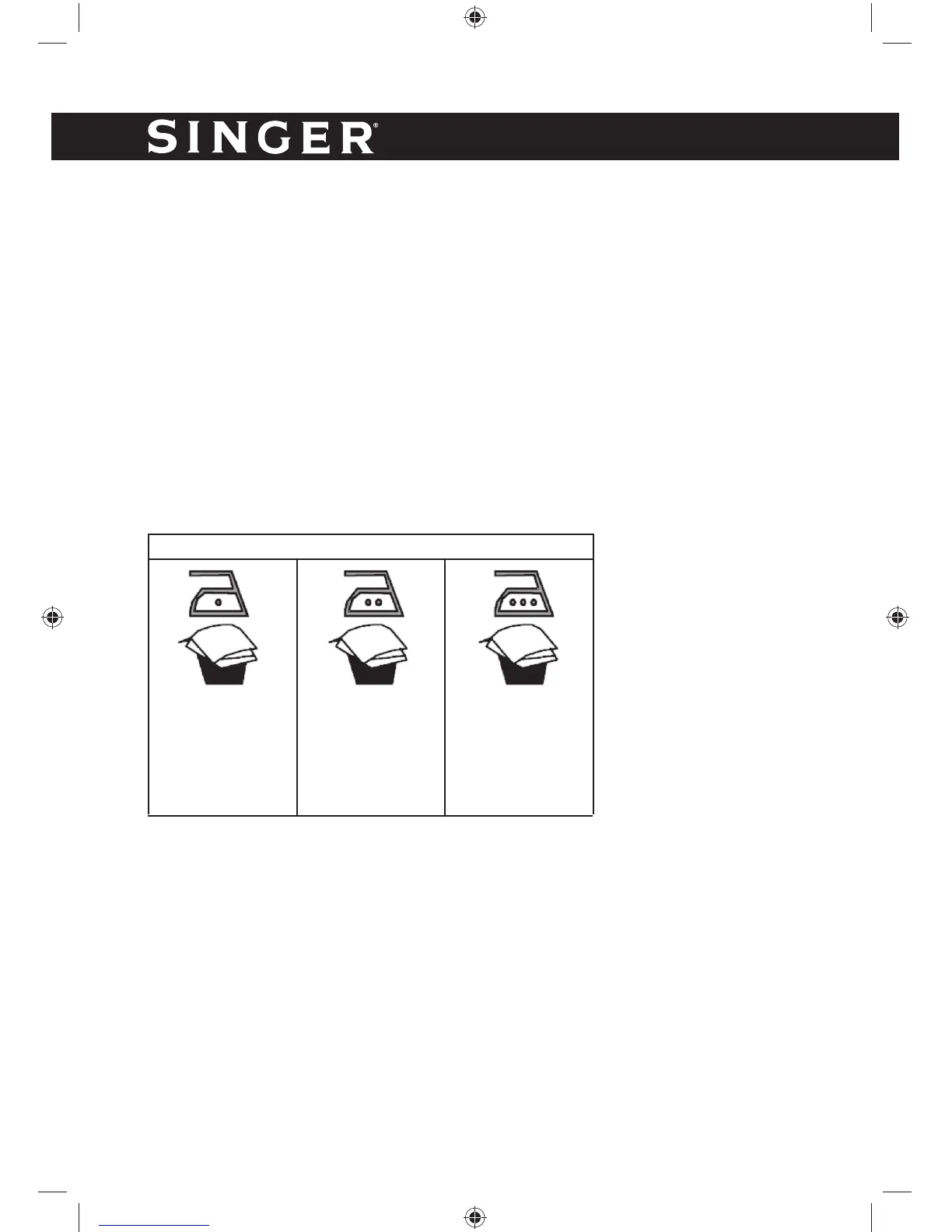
READ THE GARMENT LABELS AND FOLLOW THE MANUFACTURER’S IRONING INSTRUC-
TIONS THAT ARE USUALLY INDICATED BY SYMBOLS SIMILAR TO THE FOLLOWING:
STEAM IRONING
• Check the labels of clothes before beginning to iron and make sure that the fabric is suitable
to be ironed with steam.
• Use normal tap water.
• Loosen the boiler cap (12) and pour approximately 800ml of water into the boiler.
• After having tightened the boiler cap (12), place the plug into the socket.
• Turn on the appliance using the on/off switches (2 & 3). The luminous switches will turn on
indicating that the iron and the steam control panel are in operation.
• Select the desired temperature by turning the temperature adjustment knob (8). The section
with the 3 dots (points”…”) of the temperature adjustment knob indicates when steam can be
produced.
• When the “steam ready” light (4) turns on, the iron is ready for use. The light will turn on and
off during use. This is normal.
- Acetate
- Elastane
- Polyamide
- Polypropylene
- Polyester
- Silk
- Triacetate
- Viscose
- Wool
- Cotton
- Linen
Temprature Control Setting



 To Next Page