6
ENGLISH
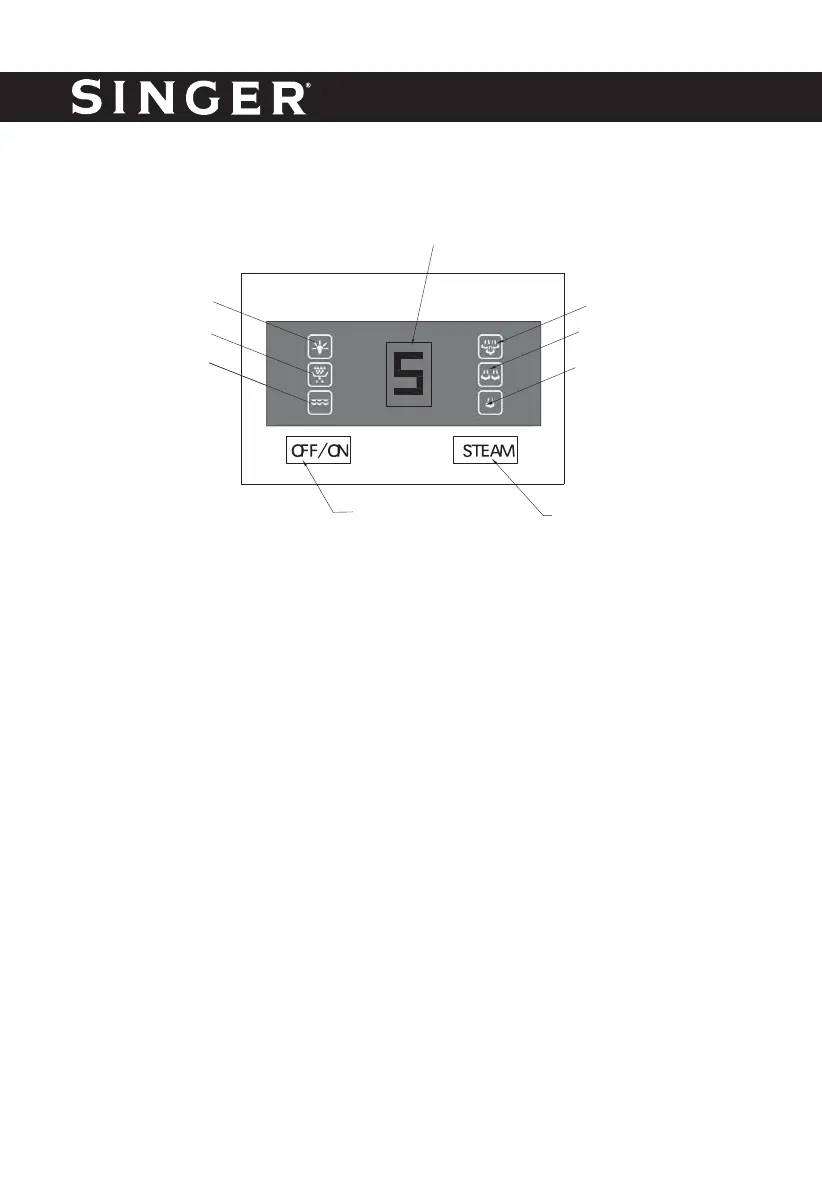
CONTROL PANEL
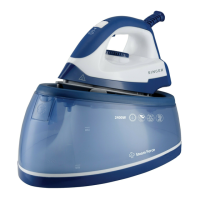
Trigger
Grasp the water tank’s handle and press the trigger, then you can take out the fi lling cap and
fi ll it with water.
Filling cap
The fi lling cap is attached in the water tank, if the level of the water in the tank is low, you shall
open the cap and add water. After fi lling with water, close it.
Release button
Press the release button with one fi nger and grasp the iron’s handle with your hand, then you
can slide out the iron anti-clockwise.
Rear support hook
When you need to replace the iron onto the thermal insulating cushion, you can fi rstly insert the
back of the iron into the rear support hook, and then put the soleplate on the locking pin and
press the locking pin down, and then you can rotate the iron clockwise until the iron is fi xed into
the front support hook. At this time, the iron can be secured onto the thermal insulating cushion.
Front support hook
You can put the iron on the front support hook for operation, and you can also secure the iron
into the front support hook after fi nish ironing.
LED indicator
(indicate the steam
pressure from 0-5)
High steam rate indicator
Medium steam rate indicator
Low steam rate indicator
Steam switchON/OFF switch
Power indicator
Descaling indicator
Lack of water
indicator



 To Next Page