9
ENGLISH
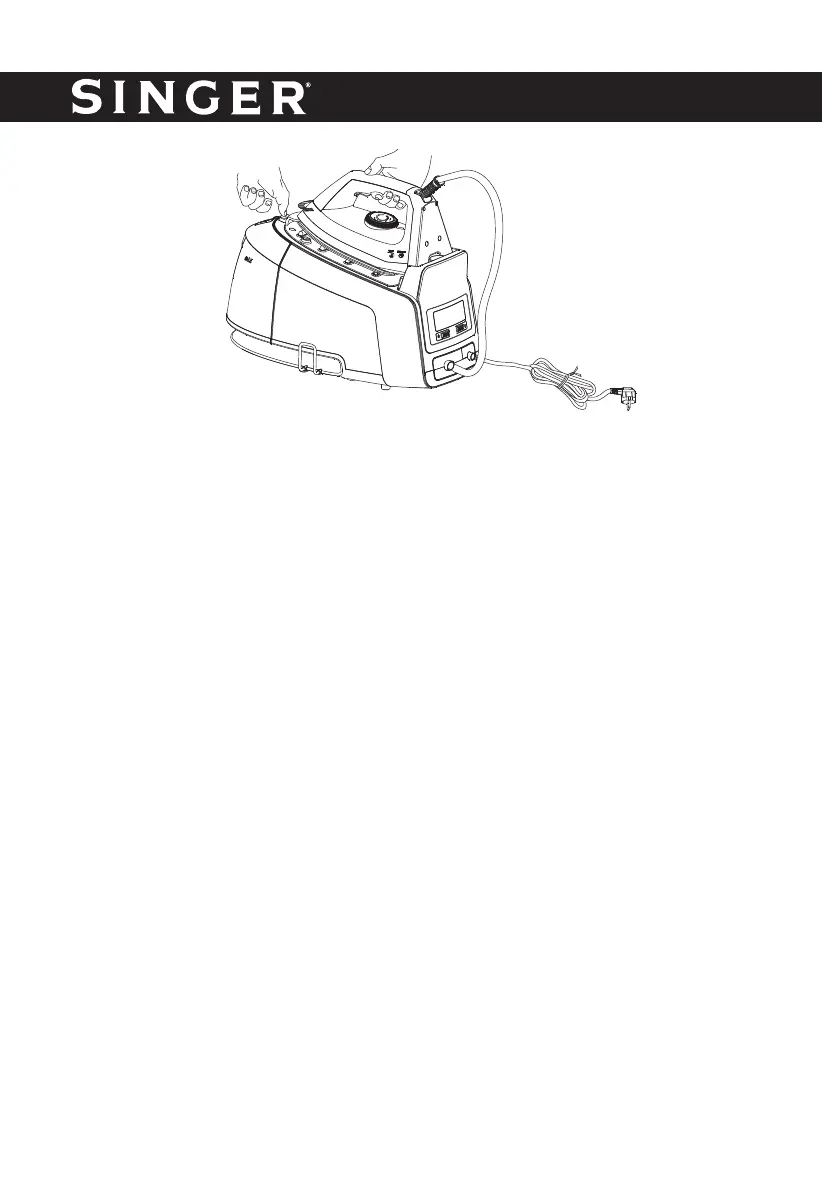
Fig. 1
CAUTION: Avoid being hurt; never press the locking pin to take out the iron.
3. Connect the plug to wall outlet and press down the ON/OFF switch.
4. Turn the temperature switch to your desired setting, which is depended on the fabric of
garment, and then the temperature indicator will illuminate. Refer to IRONING TIPS latter.
The iron starts heating.
5. When the temperature indicator turns off, the selected temperature is reached. You can now
start ironing.
WARNING: Never touch the hot soleplate before cooling down!
Steam ironing
1. Grasp the water tanks’s handle with your hand and press the trigger with one fi nger to take
out the fi lling cap of the water tank, then open the fi lling cap and add water into it. Close the
fi lling cap. The max capacity of water tank is 1.5L, the water level shall not be exceeded the
MAX mark.
2. Replace the detachable water tank properly.
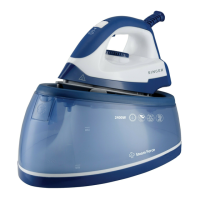
3. Press the release button with one fi nger and grasp the iron’s handle with your hand to rotate
the iron anti-clockwise (see Fig. 1) to take out the iron, and then put the iron on the steam
generator’s front hook. You do not need to secure the iron onto the thermal insulating cushion
during the operation and can just put the iron on the front hook for convenient using.
4. Connect the plug to the wall outlet, press down the ON/OFF switch, and the defaulted low
steam rate indicator will fl ash. Turn temperature switch to your desired setting, which is
depended on the fabric of garment, and the temperature indicator will illuminate. Refer to
IRONING TIPS latter.
5. After a few minutes, the temperature indicator will be extinguished; it indicates the soleplate
temperature has reached the selected temperature. If the indicator of defaulted steam rate
has been changed from fl ashing to illuminating, it indicates you can take out of the iron and
iron the garment with steam by pressing the steam control button of the.
6. According to your requirement, you can select the desired steam output for each garment,
there are three options available: low, medium, high. Make sure that there is enough water
in the tank.



 To Next Page