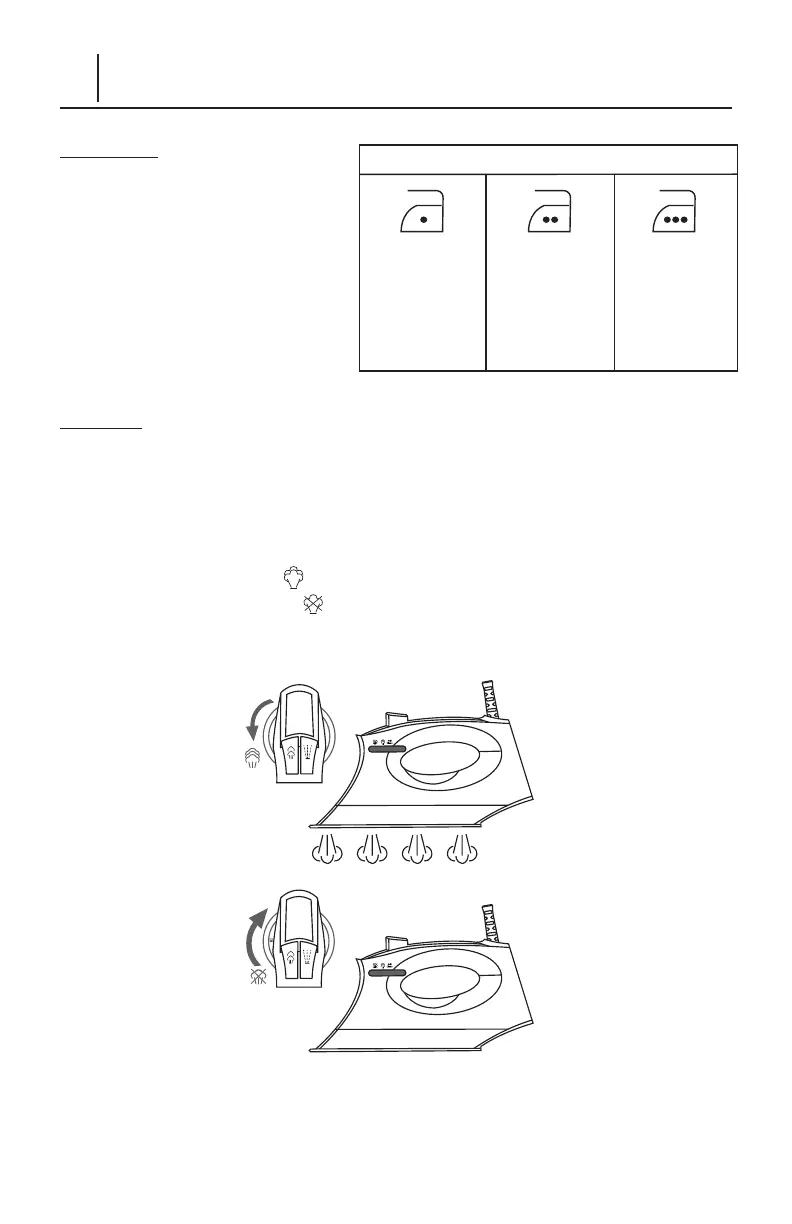
• Acetate
• Elastine
• Polymide
• Polyester
• Silk
• Triacetate
• Viscose
• Wool
• Cotton
• Linen
Temperature Control Setting
6 – ENGLISH
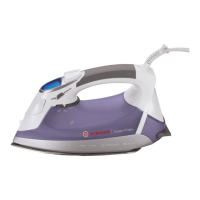
Using Your SteamCraft Plus Steam Iron
IMPORTANT: Before you start iron-
ing, read the garment labels and
follow manufacturer’s ironing in-
structions that are often shown using
symbols similar to those at right:
(If you are not sure what the fabric is
made of, begin ironing at Low (•) Setting.)
IRONING
1. Press the Temperature Select Button to turn on the appliance and select your
desired temperture.
2. Depending on which temperature setting you have selected, the corresponding
temperture bars will blink.
When the iron is ready to use, the temperature bars will stop blinking and stay on.
3. Steam ironing is available for High & MAX temperature settings. You can move
the Steam Knob back to position to generate steam for steam ironing. Move
the Steam Knob forward to position to stop generating steam.



 To Next Page