EasyManua.ls Logo

Singer SteamLogic Plus - User Manual

Singer SteamLogic Plus
48 pages
Print Icon
To Next Page IconTo Next Page
Loading...
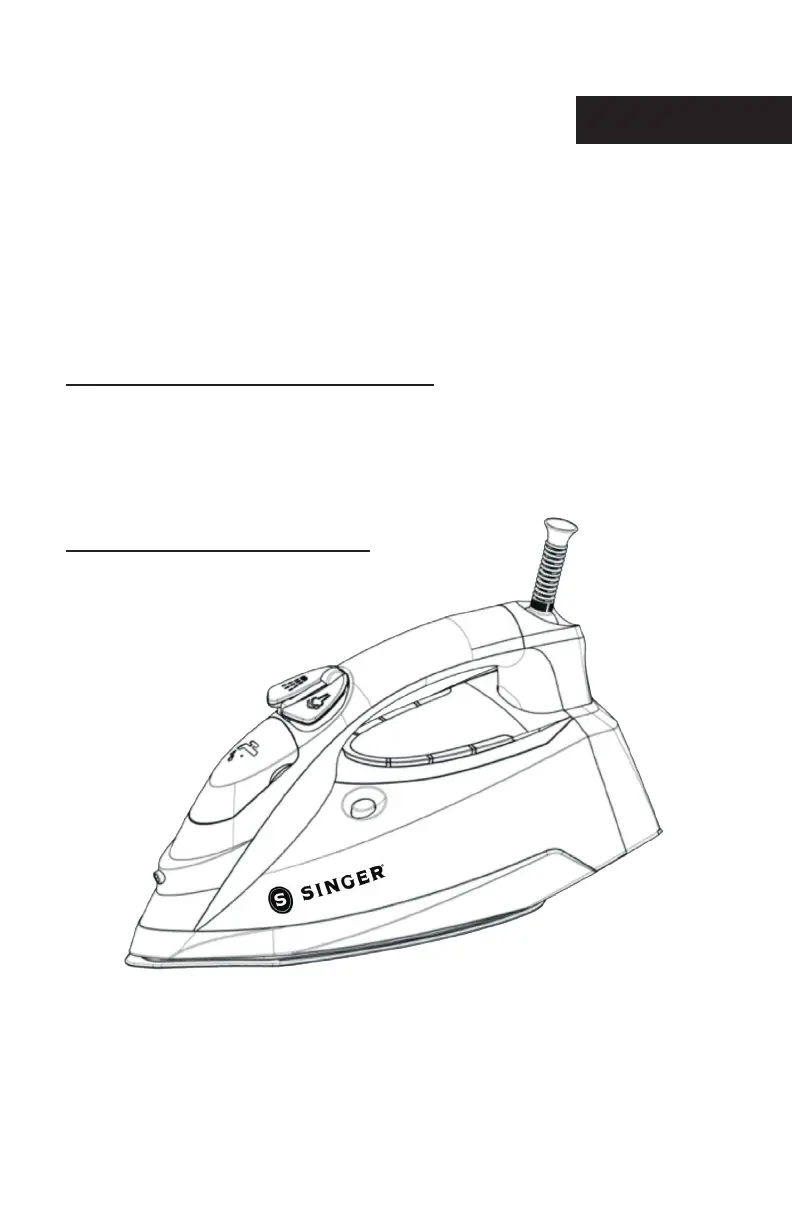
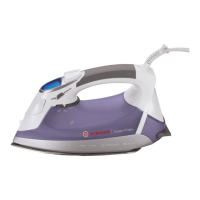
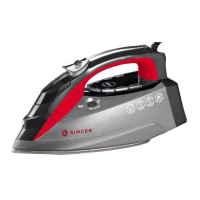
SteamLogic Plus
Steam Iron
Instruction Manual
MODEL 7070
Please read all instructions before use.
English

Questions and Answers

  • D
    Danielle WarnerAug 13, 2025
    What to do if my Singer Iron is plugged in but the soleplate is cold?
    • C
      Crystal Joseph MDAug 14, 2025
      If your Singer Iron is plugged in but the soleplate remains cold, first, ensure the electrical outlet is working by plugging into another outlet. Check that the plug is properly inserted into the outlet. Also, verify that the temperature setting isn't set too low; adjust it to a higher temperature.
  • N
    Nicole AllenAug 17, 2025
    Why is my Singer Iron soleplate too cool?
    • S
      Sean CarterAug 18, 2025
      If the soleplate of your Singer Iron is too cool, it's likely due to an incorrect temperature setting. Press the Temperature Set Button until you reach the correct, higher temperature.
  • C
    chicksAug 21, 2025
    How to clean flakes coming out of my Singer SteamLogic Plus?
    • D
      Dana HansenAug 21, 2025
      Flakes and impurities coming out of the soleplate holes during ironing indicates that you have been using hard water, which has caused scale flakes to develop inside the soleplate. Perform Self-Cleaning one or more times.
  • A
    Angela MacdonaldAug 26, 2025
    What to do if my Singer SteamLogic Plus Iron steam burst is not working?
    • N
      nicolevaldezAug 26, 2025
      If the steam burst function on your Singer Iron isn't working, it could be due to low water in the tank. Refill the Water Tank. If it's the first time using the steam burst, press the Burst of Steam Button a few times until steam is released.
  • G
    george46Aug 29, 2025
    Why is no steam released from my Singer Iron?
    • J
      Jeremy MeltonAug 29, 2025
      If no steam is released from your Singer Iron, it may be due to low water in the Water Tank, so refill it. Also, check if the Steam Selector is in the Steam Off position; if so, turn it to the Steam On position.
  • G
    Gina OrtizSep 1, 2025
    What to do if no spray mist is released from my Singer SteamLogic Plus Iron?
    • R
      rbradySep 1, 2025
      If no spray mist is released from your Singer Iron, it may be due to low water in the Water Tank, so refill it. If it's the first time using the spray function, press the Spray Button a few times until spray mist is released.
  • A
    Andrea JohnsonSep 5, 2025
    Why is my Singer SteamLogic Plus Iron leaking water from the soleplate?
    • L
      Lisa LewisSep 5, 2025
      Water may leak from the soleplate of your Singer Iron because the heat setting is too low to produce steam. To resolve this, set the temperature to the maximum position. Also, ensure the Steam Selector is in the off position while refilling the Water Tank. Avoid pressing the Steam Burst Button too many times and too quickly; press it slower, only 2-3 times.
  • S
    scott38Sep 8, 2025
    How to fix damage to fabric from my Singer SteamLogic Plus?
    • D
      Deanna AndersenSep 9, 2025
      If your Singer Iron damages fabric, it’s likely that the temperature setting is too high. Refer to the garment guide or test the inside of the garment before ironing to adjust the temperature accordingly.

Summary

Important Safety Instructions

General Safety Precautions

Key safety warnings and precautions for operating the steam iron to prevent electric shock, fire, and injury.

Product Information and Initial Setup

Product Features Overview

Identification and description of the steam iron's main components and accessories.

Before First Use Checklist

Steps to prepare the steam iron before its initial operation, including removing packaging and cords.

Operating Your Steam Iron

Filling the Water Tank

Instructions on how to safely fill the water tank with tap water to the maximum level.

Setting the Temperature

Guide to adjusting the iron's temperature settings for different fabric types.

Ironing Guide

Steps for ironing, including selecting temperature and using indicator lights.

Steam and Spray Functions

How to use Burst of Steam, Vertical Steaming, and Spray functions for wrinkle removal.

Maintenance and Special Features

Auto Shut-Off and Draining

Explanation of the auto shut-off function and procedures for draining the water tank.

Anti-Drip and Anti-Scale Systems

Information on the built-in anti-drip and anti-scale systems for iron maintenance.

Self-Cleaning Process

Detailed steps for performing the self-cleaning function to maintain the steam chamber.

Cleaning and Ironing Tips

Guidance on cleaning the soleplate, general maintenance, and helpful ironing advice.

Troubleshooting Common Issues

Problem Resolution Guide

Solutions for common problems like no steam, cold soleplate, water leaks, and fabric damage.

Limited Warranty Information

Warranty Coverage and Exclusions

Details on product warranty, coverage limitations, and specific exclusions.

Warranty Service and Contact

How to obtain warranty service and contact information for inquiries.

Singer SteamLogic Plus Specifications

General IconGeneral
TypeSteam iron
Cord length- m
Control typeButtons
Maximum power1775 W
Product colorBlack, Grey, Red
Soleplate typeCeramic soleplate
Variable steamYes
Housing materialPlastic
Anti-drip function-
Water tank capacity0.3 L
Steam boost performance45 g/min
Cable length3.65 m
Weight and Dimensions IconWeight and Dimensions
Depth302 mm
Width119 mm
Height154 mm
Weight1450 g

Related product manuals