15
Installing the Serial Touch Driver
Installing the Serial Touch Driver for Windows 7, Windows XP/2000
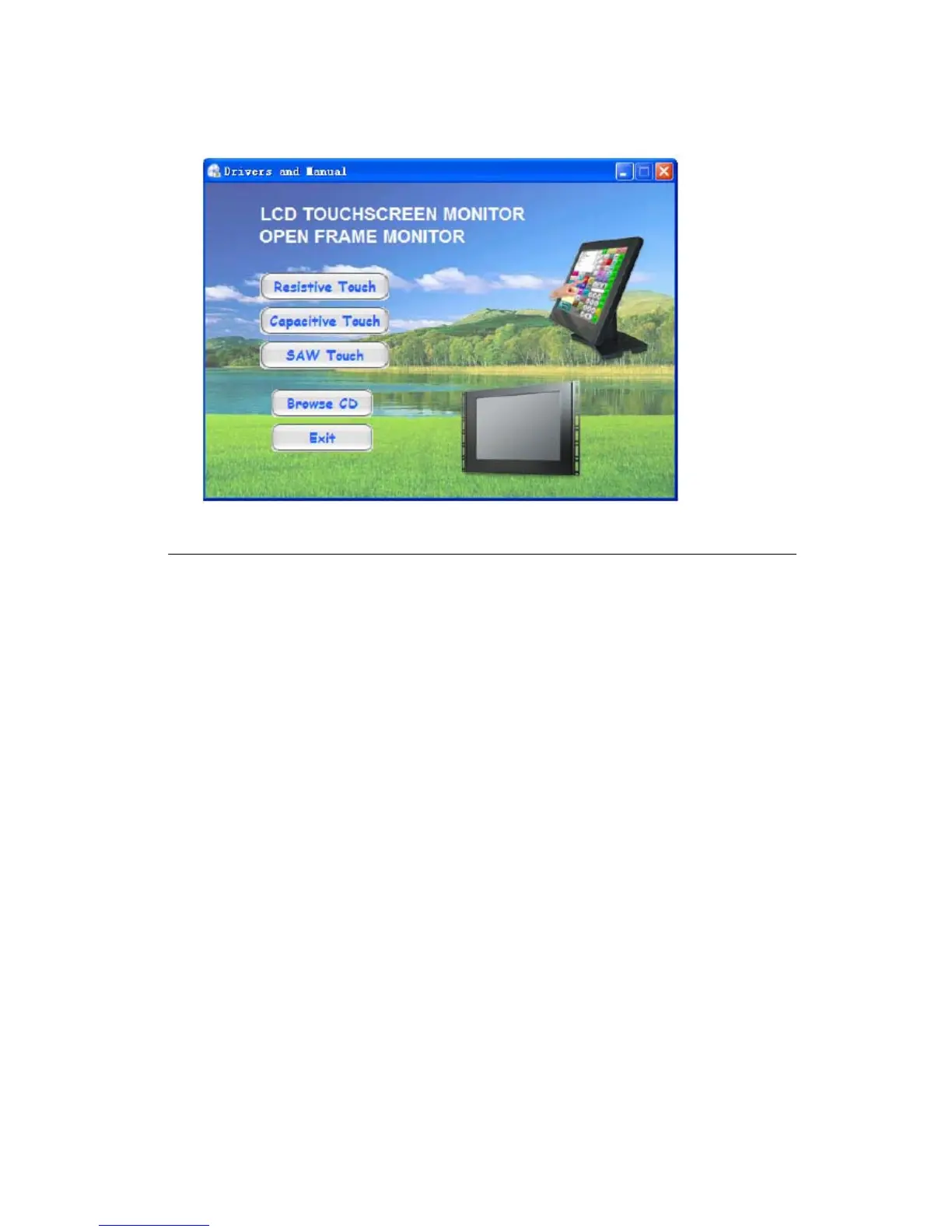
1. Insert the Touch Drivers CD-ROM in your computer’s CD-ROM drive. please ope n
the folder your \\CD-ROM\Resistive Touch Drivers\Serial\Driver
2. Select the drivers folder to complete the driver setup for your version of Windows.



 To Next Page