5
3. TURN ON THE DEVICE
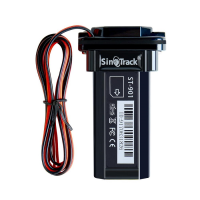
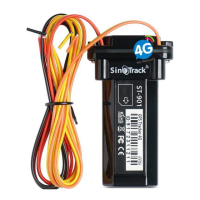
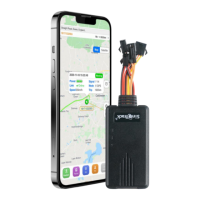
ST-908L need press button once after insert sim card to
start.
press button for a long time to turn off.
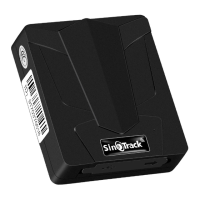
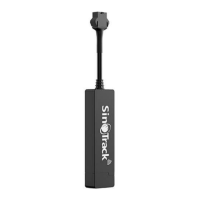
ST-915L proper insert Sim card, the tracker will start.
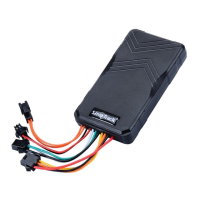
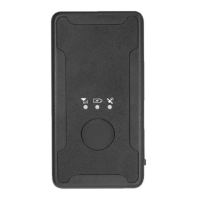
ST-925L need turn on the switch after insert sim card for
start.
Open the rubber cover; insert the SIM card (chip up) to the
slot.
The indicator light is on when SIM card is inserted.
The device gets GPS location when there is GPS signal
and gets LBS location when there is no GPS signal.
The device automatically turns off when the SIM card is
removed.
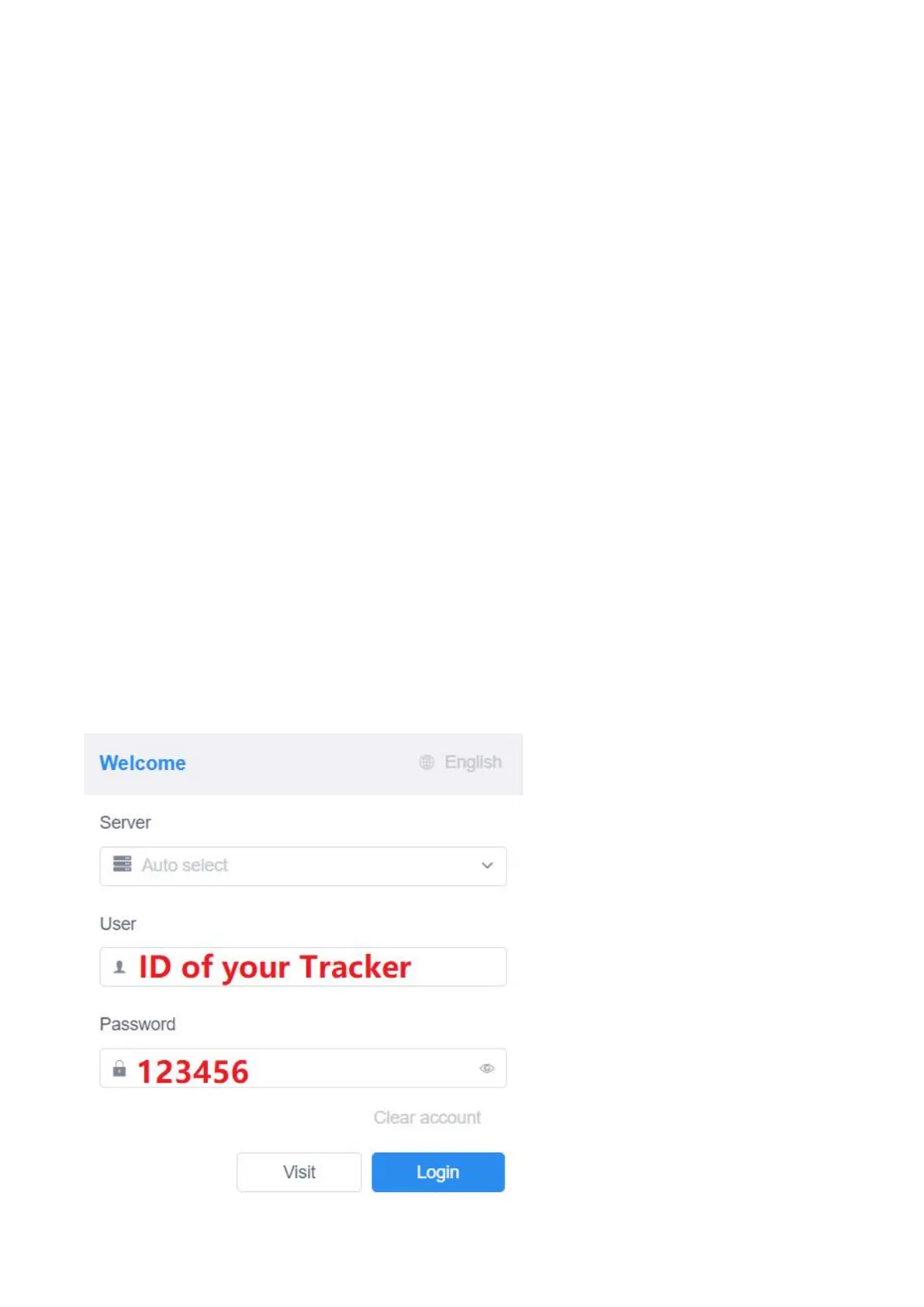
4.1 WEBSITE TRACKING
Please login from www.sinotrack.com
Server: SinoTrack
User name: ID on the tracker
Password: 123456
4.2 APPLICATIONS FOR



 To Next Page