Sinterit LISA X Short User Manual | 10
or
1 2
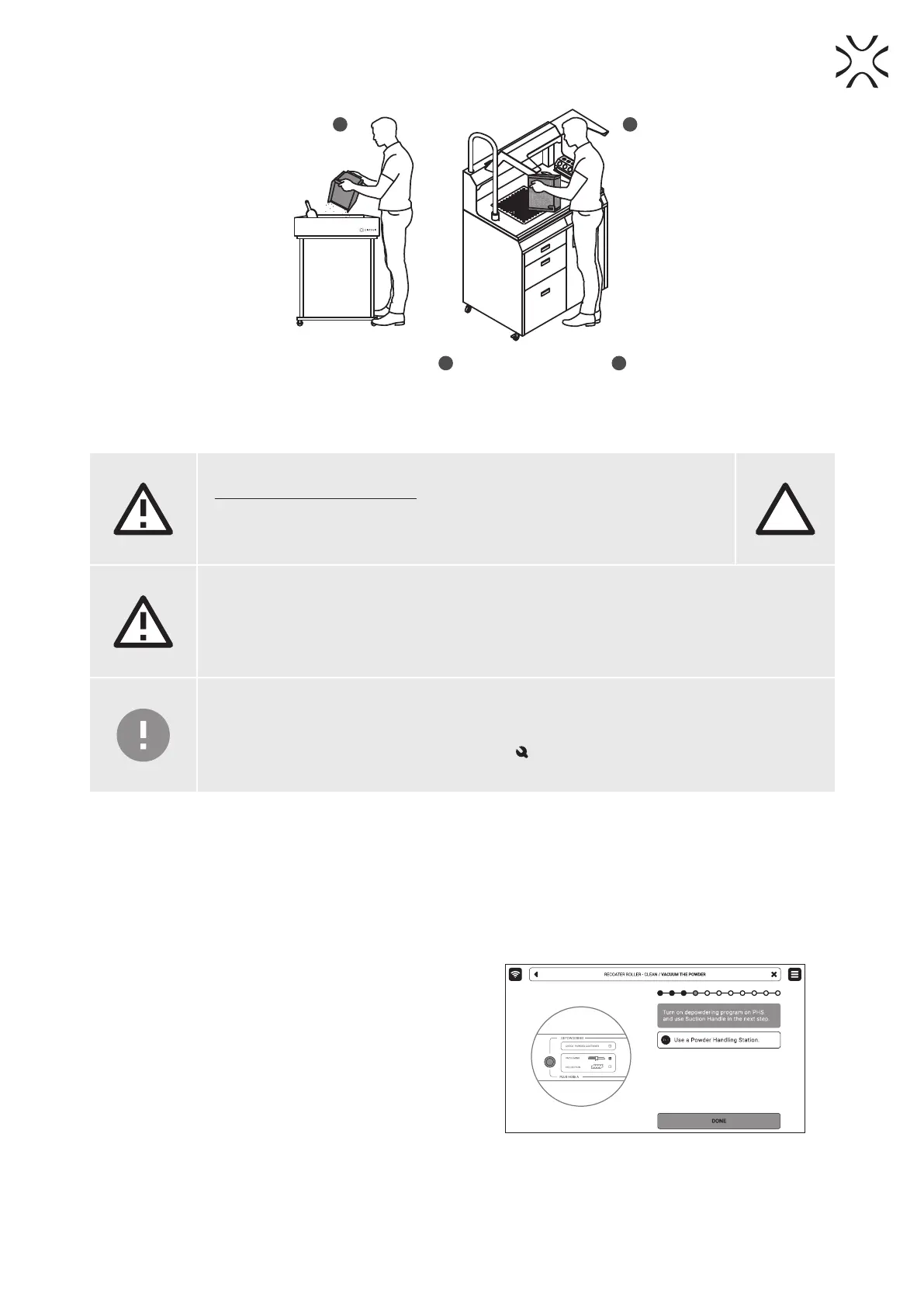
Fig. 3.4 Moving the IO BOX to the foldable tray
1
or to the Multi PHS worktop
2
to clean the printout.
4. CLEANING THE PRINTER
WARNING!
Danger of powder electrication!
• The vacuum cleaner used to collect the powder must be suitable for handling
combustible dust.
• Sinterit recommends the ATEX/Intertek Vacuum Cleaner available in the offer.
EX
ATTENTION!
The SLS powders are hygroscopic. The print chamber and the Overow bin are not 100% airtight.
Leaving the powder inside of the printer may cause it to become wet and lose its intended
properties.
IMPORTANT!
• Cleaning the printer is recommended immediately after each printing.
• If you do not want to clean the printer immediately after pulling the printout, you can do this
later. On the main menu screen, press the MAINTENANCE button and then CLEAN THE
PRINTER button.
4.1 Cleaning the print chamber
1. Press CLEAN THE PRINTER on the screen to start cleaning the printer.
2. Make sure no tools remain in the print chamber. Press POSITION BEDS to begin the positioning process of the
Beds.
3. For cleaning the printer Sinterit recommends dedicated solutions: the Multi PHS or ATEX/Intertek Vacuum Cleaner
with Separator.
4. Whether you are using the Multi PHS or an ATEX/Intertek
Vacuum Cleaner with the Powder Separator, a message
about cleaning the print chamber will appear on the
screen.
5. Collect the remaining powder and press DONE on the
screen (g. 4.1)
Fig. 4.1 Turn on the depowdering program on the Multi PHS.
6. Press the arrow buttons to move the Recoater and collect the remaining powder underneath.
7. Once the print chamber is clean, press DONE.





 To Next Page