62 07 687 D3530
18 D3530.201.01.06.02 07.2011
4 Operation Sirona Dental Systems GmbH
4.1 Operation via the dentist or assistant element Operating Instructions LEDview / LEDview S
4.1.3 M1 ⁺ , C2 ⁺ , C3 ⁺ , C4 ⁺ , C5 ⁺ units
M1 ⁺ , C2 ⁺ , C3 ⁺ , C4 ⁺ , C5 ⁺ units
Switching the LEDview on/off
The operating light is always switched on at the set brightness level, see
"Adjusting the brightness" (below).
The LEDview is supplied with power via the treatment center.
1. Switch the treatment center on.
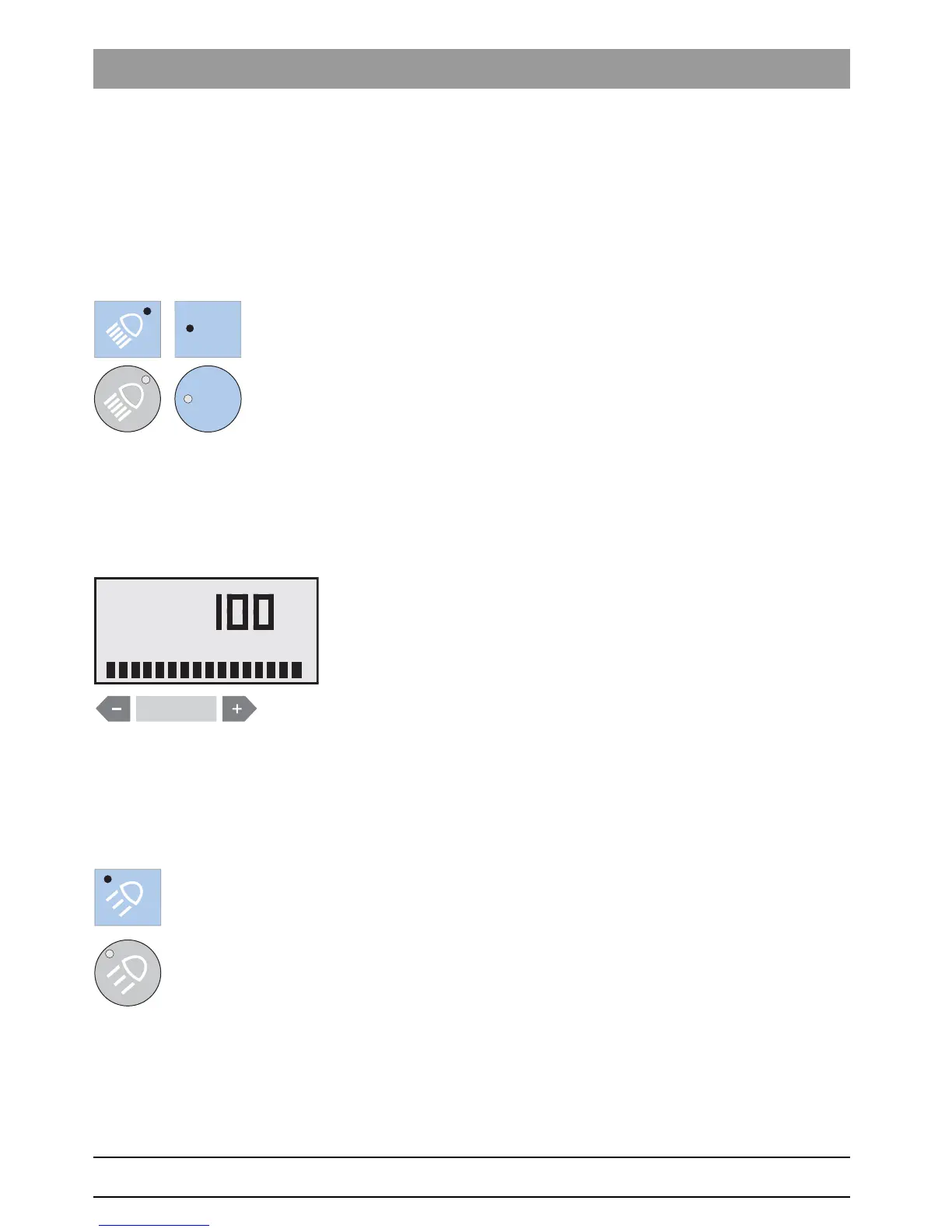
2. Press the
Operating light
key on the dentist or assistant element.
If the LEDview is switched on, the LED of the
Operating light
fixed
key lights up on the dentist and assistant elements.
Adjusting the brightness
The brightness of the operating light can be adjusted from 20% to 100%
on the user interface of the treatment center.
1. Press and hold the
Operating Light
key on the dentist element (> 3 s).
The
Brightness
screen is displayed.
2. Use the – and + keys to adjust the brightness of the operating light.
Switching the composite function on/off
With the composite function, the operating light can be operated at a
reduced brightness of approx. 8,000 lux.
This function is required to prevent the premature curing of composite
fillings.
➢ Press the
Composite Function
key on the dentist element.
If the composite function is switched on, the LED of the
Composite function
key lights up on the dentist element.



 To Next Page