62 07 687 D3530
D3530.201.01.06.02 07.2011
19
Sirona Dental Systems GmbH 4 Operation
Operating Instructions LEDview / LEDview S 4.1 Operation via the dentist or assistant element
båÖäáëÜ
4.1.4 C8 ⁺ units
C8 ⁺ units
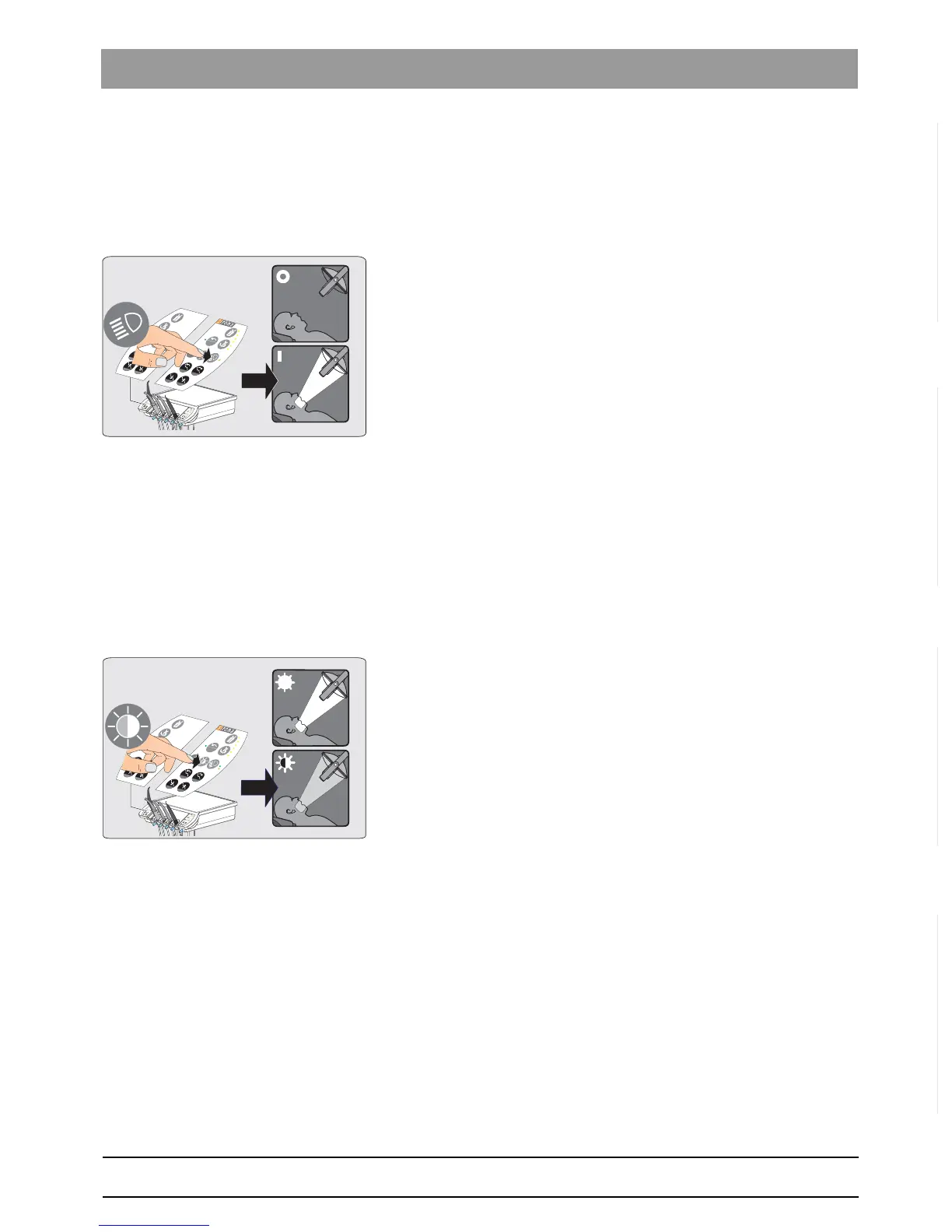
Switching the LEDview on/off
The LEDview is supplied with power via the treatment center.
1. Switch the treatment center on.
2. Press the
Operating light
key on the dentist element.
Programming the brightness
The brightness of the C8
+
unit model is programmed via the proximity
switch (see Operating the LEDview via the proximity switch [ → 20]).
Switching the composite function on/off
With the composite function, the operating light can be operated at a
reduced brightness of approx. 8,000 lux.
This function is required to prevent the premature curing of composite
fillings.
➢ Press the
Composite Function
key on the dentist element.
4.1.5 Ceiling model / Ceiling combination
Ceiling model / Ceiling combination
These units are operated via the proximity switch (see "Operation via
proximity switch" [ → 20]).



 To Next Page