4.2 Power tap
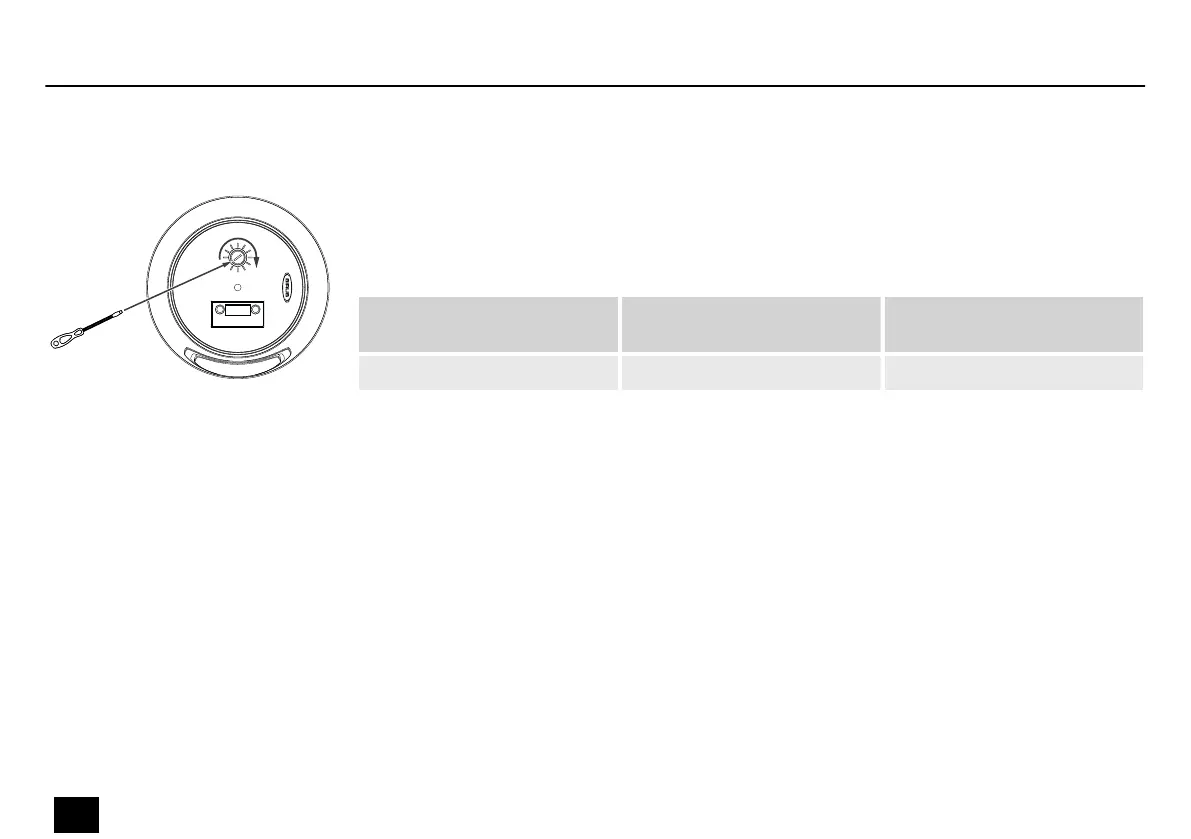
Use the selector switch on the rear of the device to select the setting for the power tap.
The following table shows the possible settings.
Drop 4
(item no. 562012, 562013)
Drop 6
(item no. 562014, 562015)
Drop 8
(item no. 562016, 562017)
2.5 W / 5 W / 10 W / 20 W 5 W / 10 W / 20 W / 40 W 6.25 W / 12.5 W / 25 W / 50 W
Installation
14
Drop 4, drop 6, drop 8
Passive Speaker



 To Next Page