Sitecom Multi Functional USB server LN-308/309, WL-203
11.2 Using the Server’s Web Pages
• Power on the Server. Suppose that the Server is in DHCP mode
• Check the Server's IP address.
• First, run Control Center. It will automatically search for Servers on the LAN. Then Servers’
IP addresses will be shown in Control Center.
• Run any Web browser, like Microsoft Internet Explorer. Go to “http://Server’s IP address “or
“http://Server’s Host Name” to access the Server's home page.
• Login to the Server’s interface with Administrator username (default: admin) and Password
(default: admin).
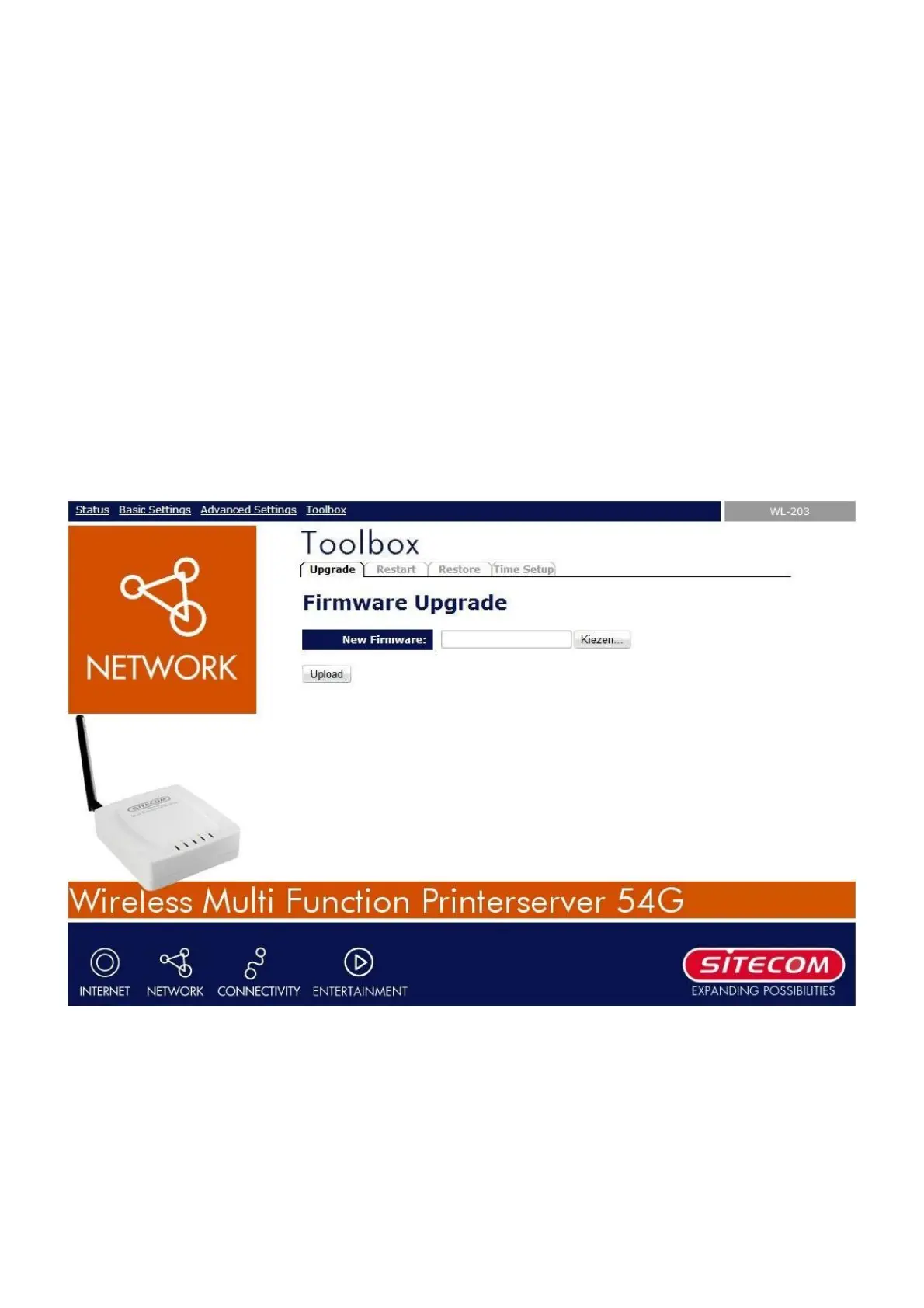
• Click Toolbox at the top of the menu.
• Select Upgrade
• Click the Browse button to choose the file of new firmware.
• Click the Upload button to start firmware upgrade.
• Wait for 15 seconds for system reboot.


 To Next Page