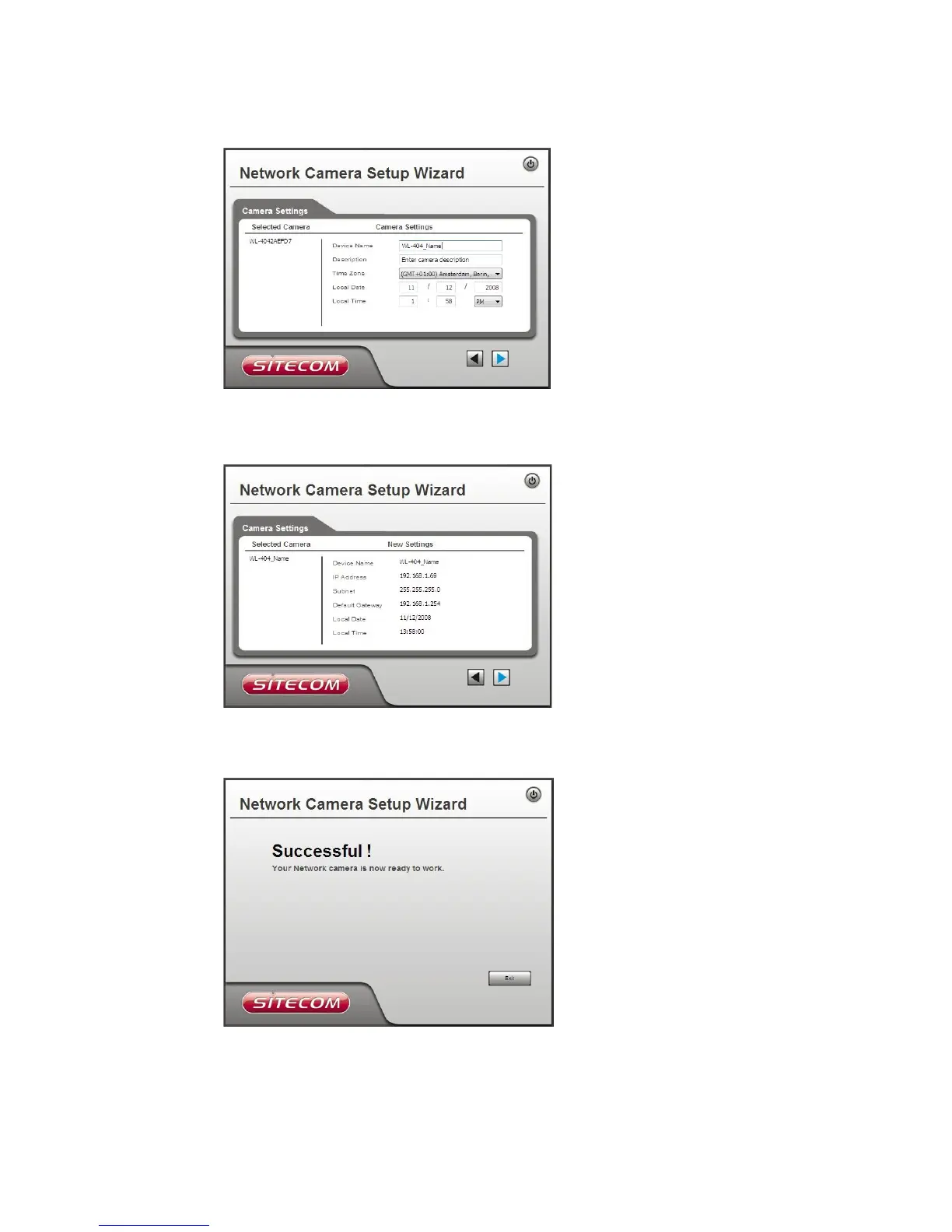
• This screen allows you to enter a suitable Description, and set the correct Time
Zone, Date, and Time. Make any desired changes, then click Next to continue.
• The next screen, shown below, displays all details of the Network Camera.
• Click Next if the settings are correct
• Click Back to modify any incorrect values.
• Click OK to confirm that you want to save the new settings. If you want to cancel
your changes, click Cancel.
• After clicking OK, you will see the screen below.
• Click Exit to end the Wizard. Setup is now complete.
• The monitor utility can now be configured for the camera. This can be done by
following the steps in chapter 6; Windows Viewing/Recording Utility.



 To Next Page