


 To Next Page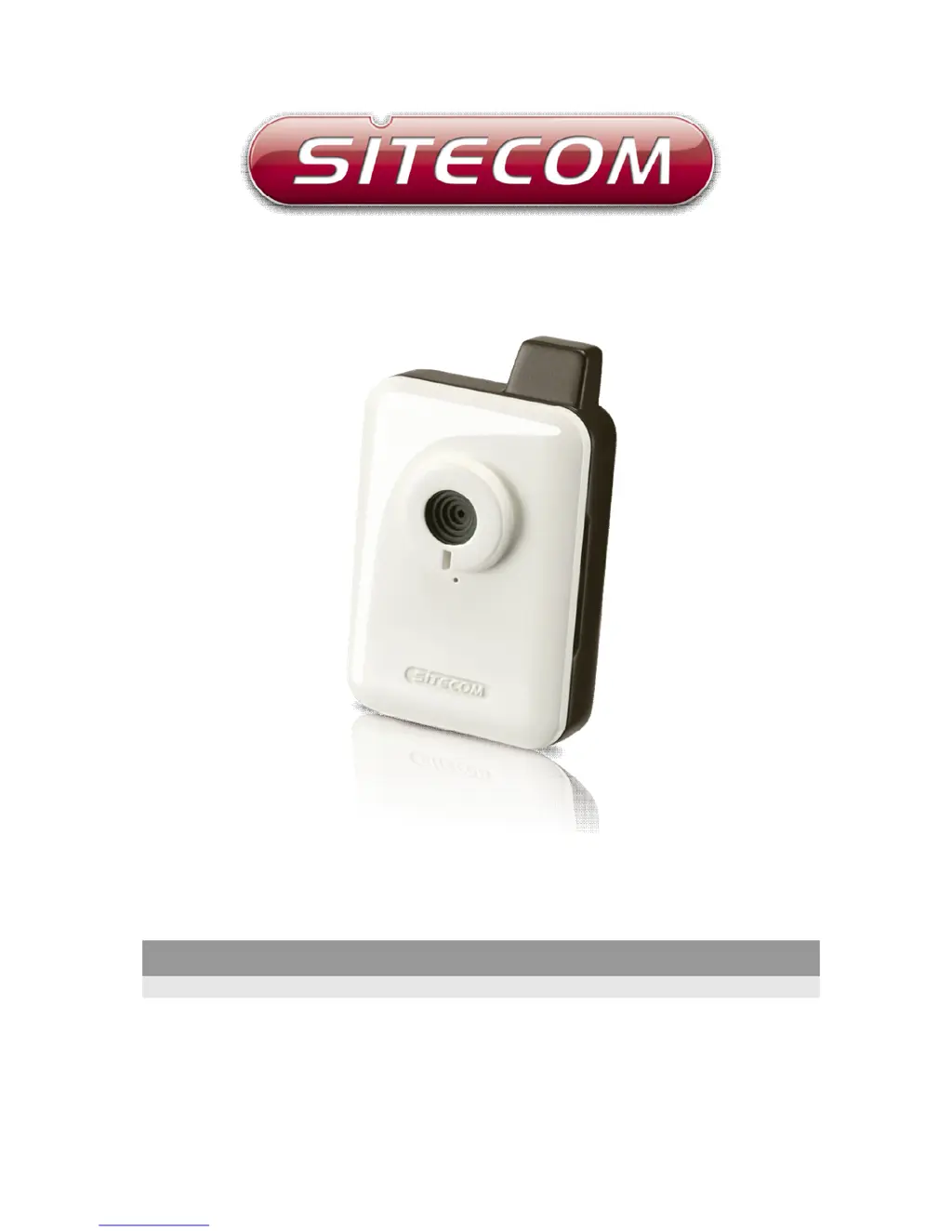
P
Patricia HoganAug 9, 2025
How to connect to Sitecom IP Camera?
- DduncanmatthewAug 9, 2025
If you're having trouble connecting to your Sitecom IP Camera, first ensure it's properly powered by checking if the 'Power' LED is lit. Confirm that the IP address you're using to connect to the camera is correct and that your computer's IP address is within the same subnet. If you've forgotten the IP address, reset the camera to its factory default (192.168.0.231) by pressing and holding the reset button for 5 seconds. Also, verify that the ports the IP camera uses (Video and HTTP) aren't blocked by a firewall.
 General