2. Using the surveillance software
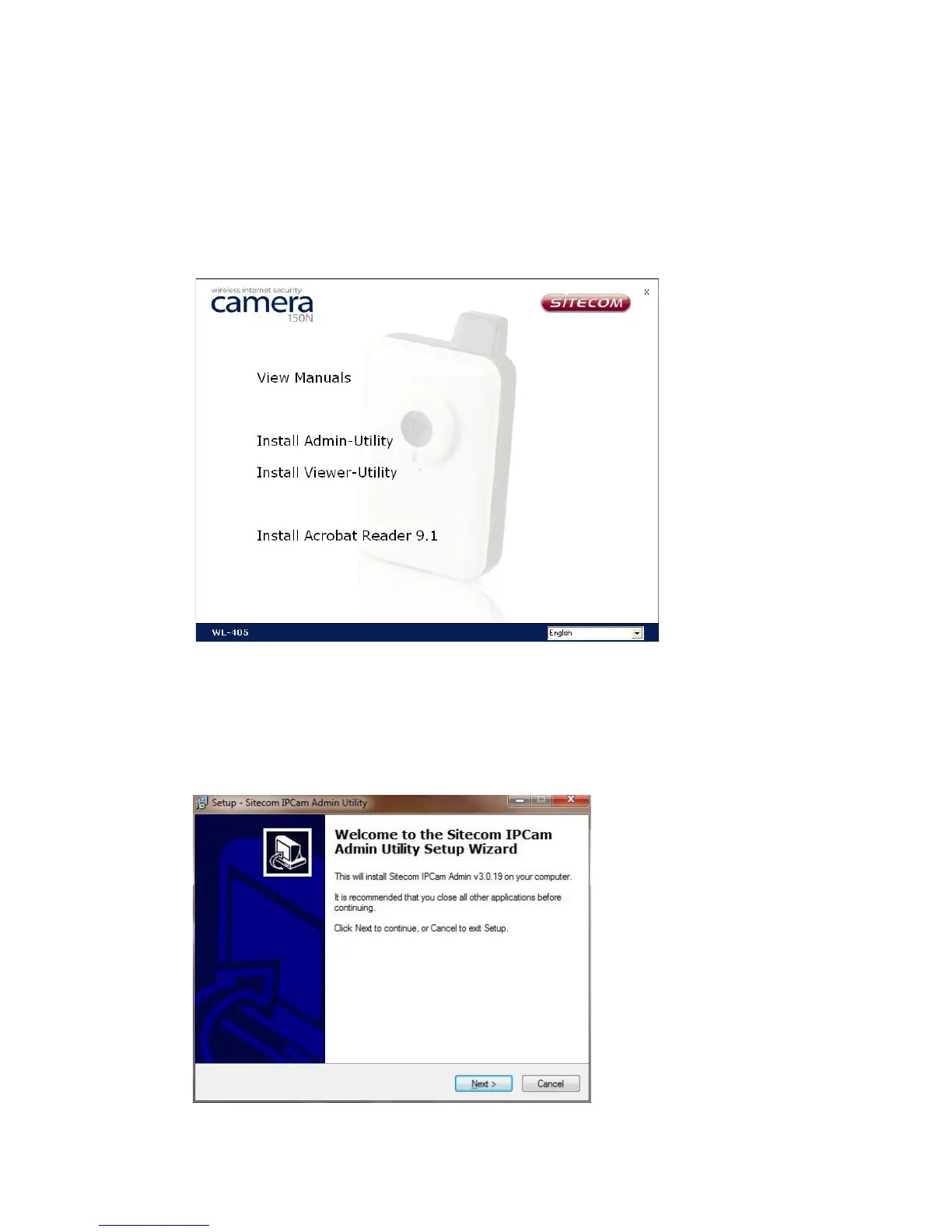
When the CDROM is inserted into the CDROM player, the CD-Menu will
automatically start.
(If it isn't started automatically, go to 'My Computer' > 'X:' (where X: is the drive
letter of the CDROM player) > open the 'Menu' folder > double click on
'CDMenu4.exe')
2.1 Admin utility
The Admin-utility can be used to detect the camera on the network, and to easily
change the cameras network-configuration. Select “Install Admin-Utility” in the CD-
Menu, to start the installation.



 To Next Page