2.2.10 Video Playback
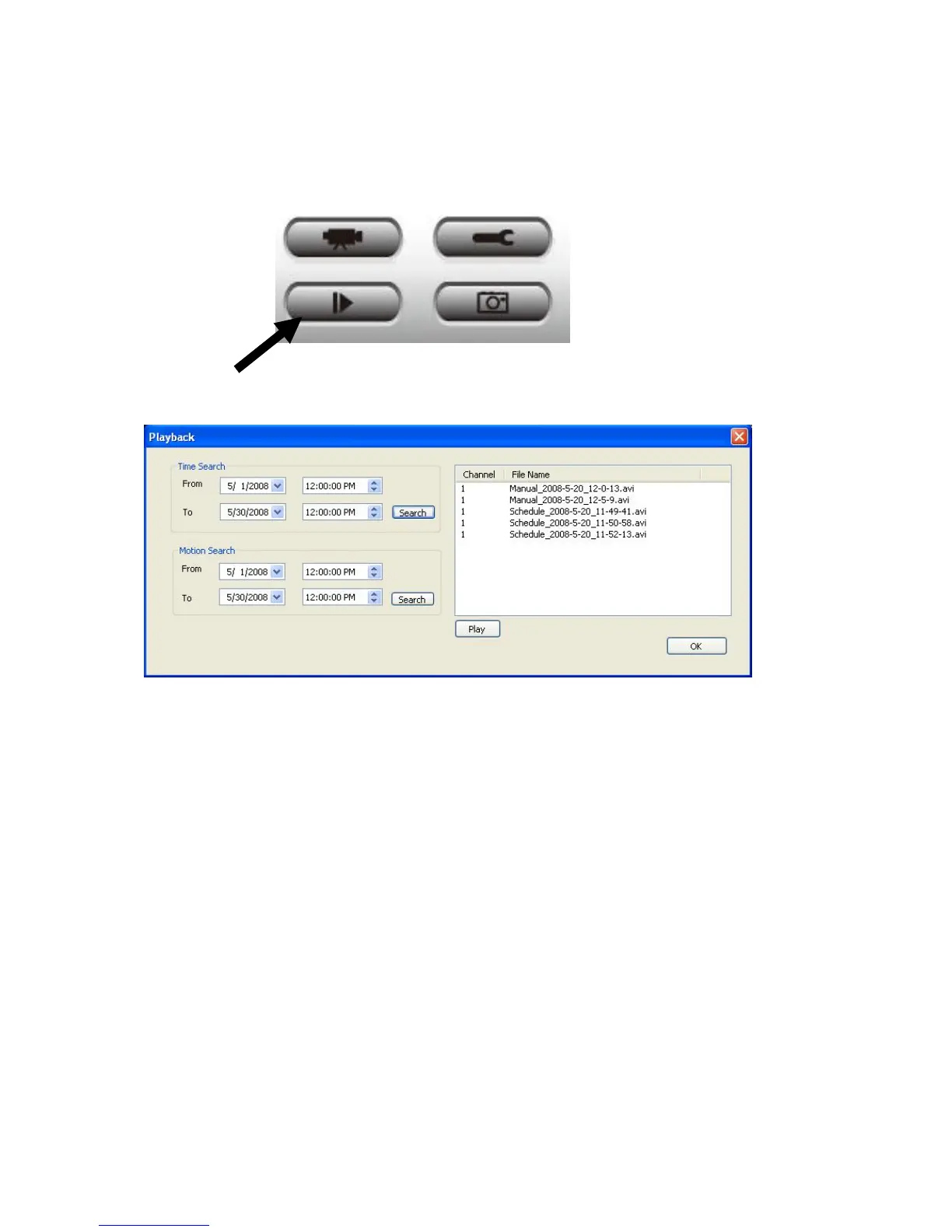
You can playback all recorded video by clicking this button.
A new window will appear:
You have to search the video file before you can play it. There are two kinds of video
search: Time Search (search all videos file that falls in a specific period of time) and
Motion Search (search all videos recorded by motion detection function and falls in a
specific period of time).
Please define the start and end date / time of the time period you wish to search, and then
click ‘Search’ button (of ‘Time Search’ of ‘Motion’ Search’). All found videos will be
displayed, select the video you wish to play and click ‘Play’ button to playback.



 To Next Page