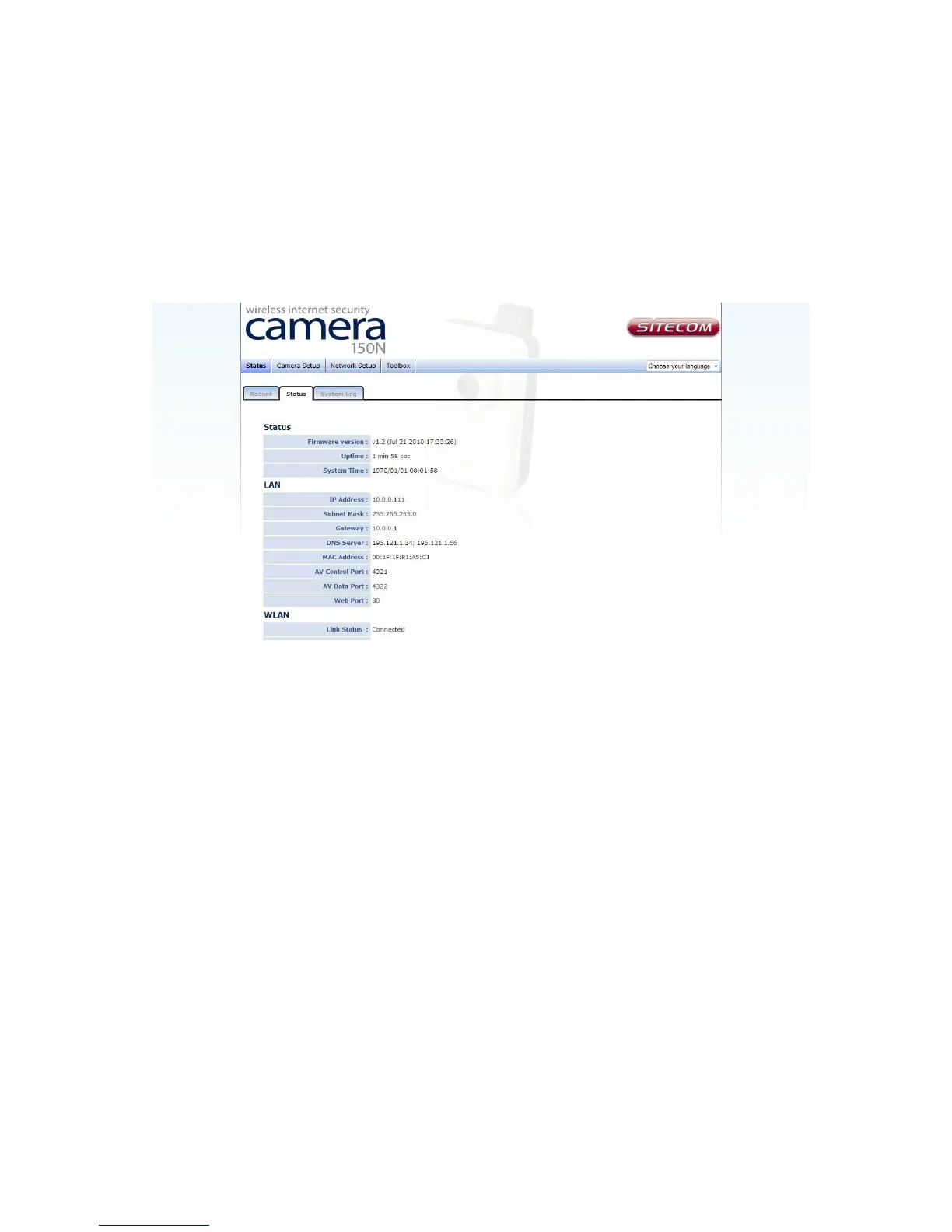
3.2 Status
This menu provides all information about this IP camera, like firmware version, system
uptime, date / time, and network information.
You can access this menu by clicking ‘Status’ on the top of web management interface,
and opening the 'Status' tab.



 To Next Page