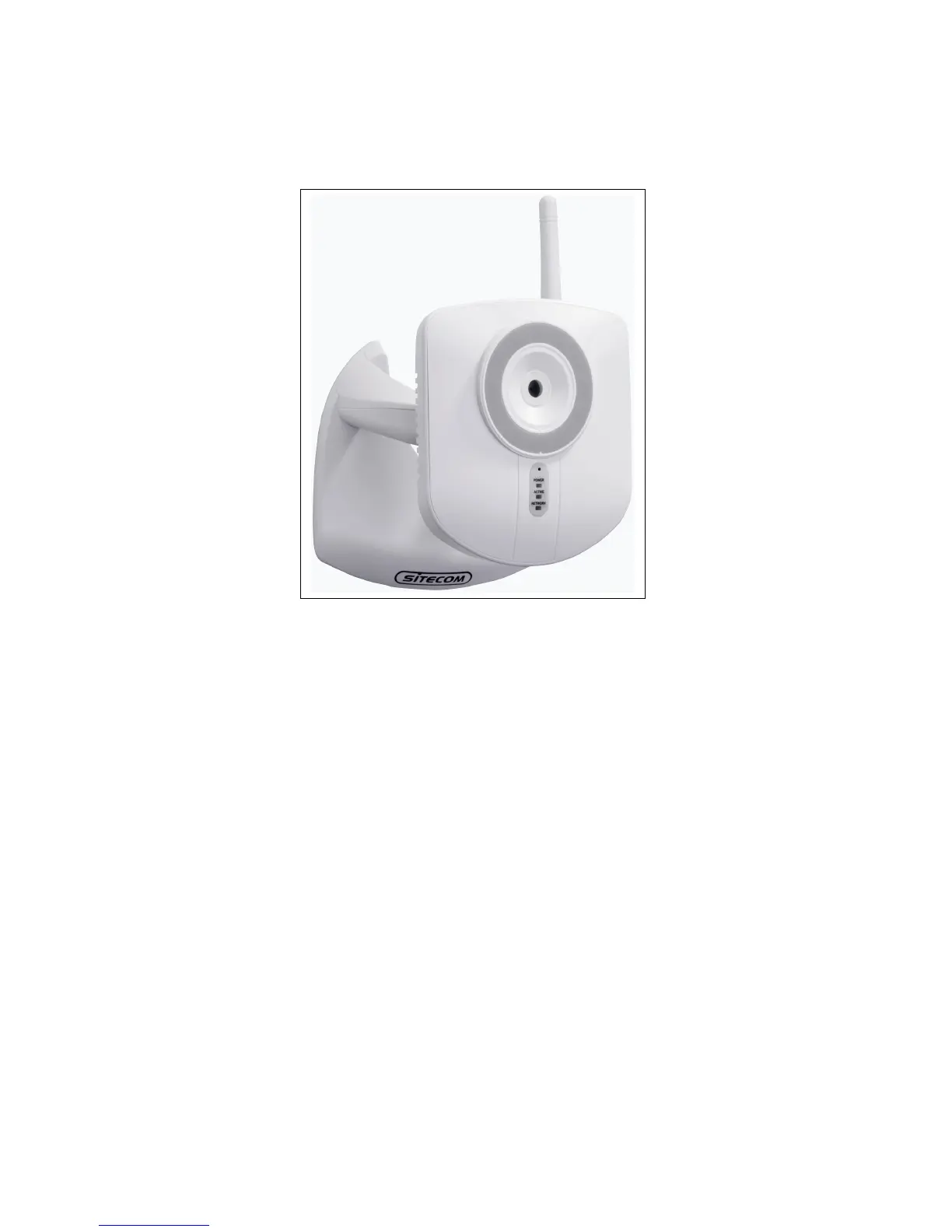
Physical Details
Front - Network Camera
Lens No physical adjustment is required or possible for the lens, but you
should ensure that the lens cover remain clean. The image quality
is degraded if the lens cover is dirty or smudged.
Microphone The built-in microphone is mounted on the front.
Power LED
(Green)
On - Power on.
Off - No power.
Blinking - The Power LED will blink during start up. This will take
15 to 20 seconds.
Active LED
(Green)
Off - Camera is not capturing video.
Blinking - Camera is capturing video
Network LED
(Green)
Off - Wireless or LAN is not connected or camera is not
sending/receiving data.
Blinking - Data is being transmitted or received via the LAN or
Wireless connection.



 To Next Page