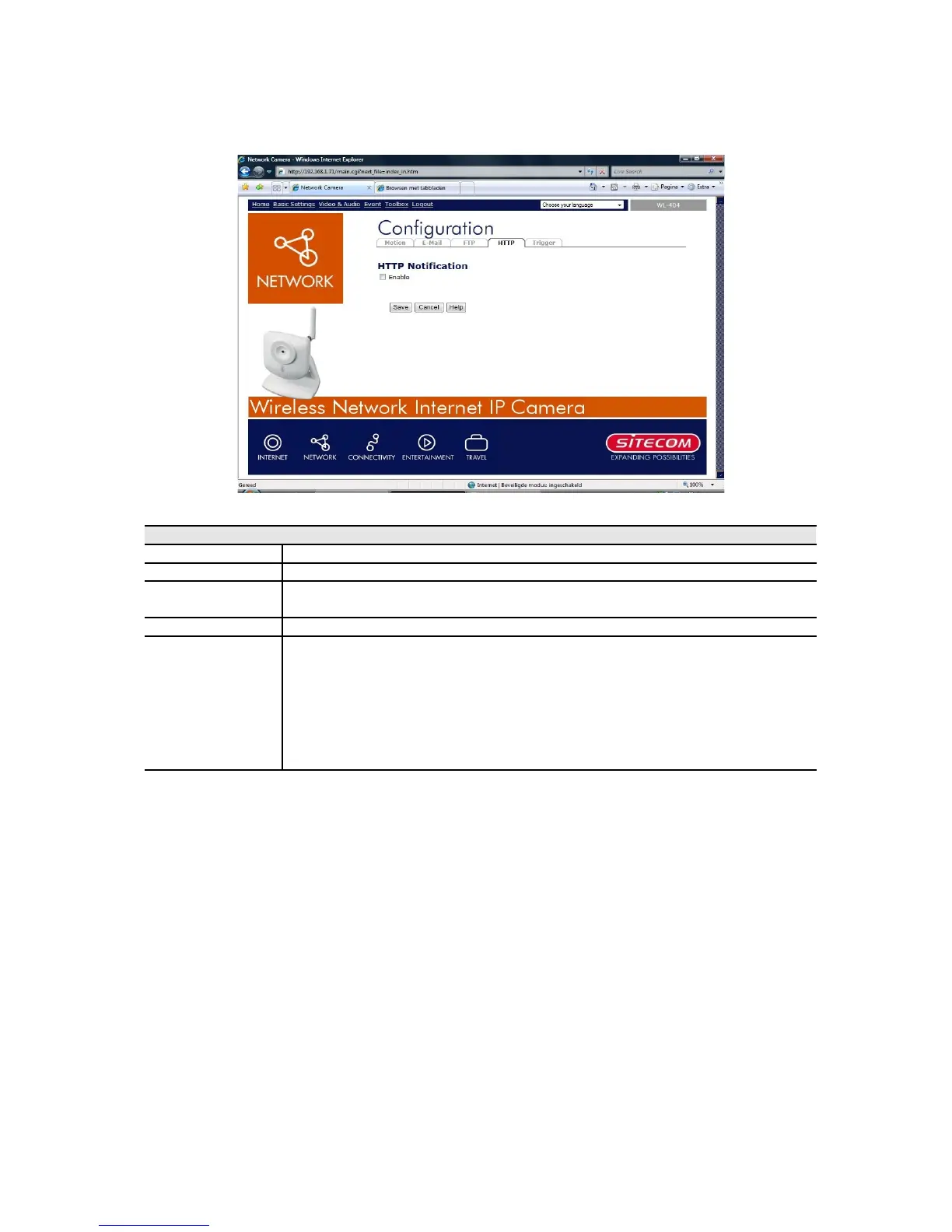
Event - HTTP
This screen is displayed when the HTTP option on the Event menu is clicked.
HTTP Notification
Enable Enable this checkbox to use the HTTP Notification.
URL Enter the URL of your HTTP notification server.
Proxy Server
Name
Specify the proxy server name in the provided field if the camera
needs to pass through a Proxy Server to do the HTTP notification.
Port Number Enter the port number for the proxy server.
Method Select the desired method of form data encoding.
• Get - It should be used if and only if the form processing is
independent, which typically means a pure query form. Generally
it is advisable to do so.
• Post - If there are problems related to long URLs and non-ASCII
character repertoires, which can make it necessary to use "POST"
even for independent processing.



 To Next Page