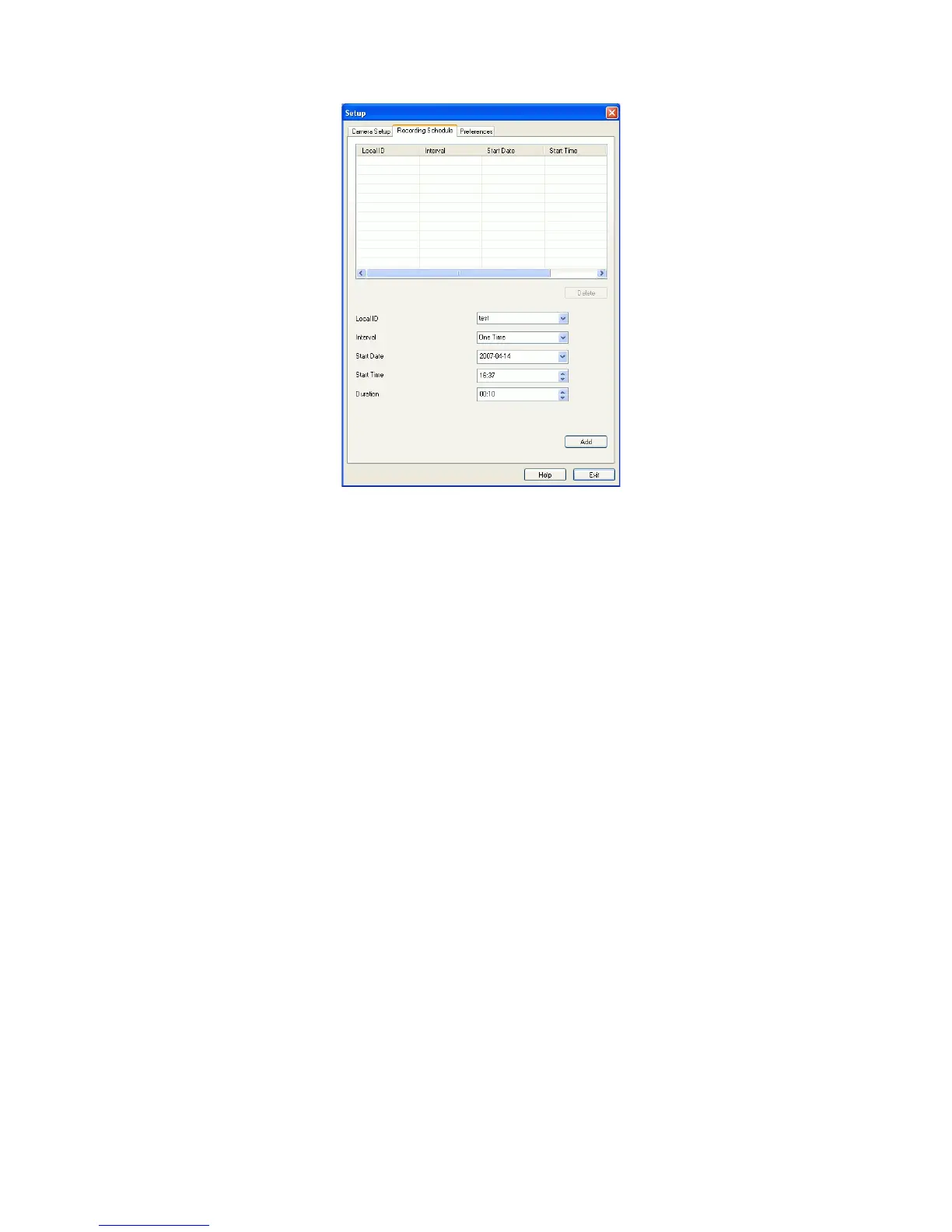
If necessary, change these settings to suit your environment.
Local ID. This is the name you gave to this camera. This field must be entered.
Interval. Decide which days you want the Camera to record. Select the appropriate
Interval from the drop-down list.
Start Date. Select the date you want the recording begin.
Start Time. Select the time you want the recording begin.
Duration. Select how ling you want the recording to be.
After you have made your selections, click the Add button to save the new scheduled
recording, and you will see it appears in the recording list.



 To Next Page