16
A
GE
16
Using the Push Button
WPS is used for Wi-Fi Protected Setup. By pressing the WPS button on the top
panel of the device, the security settings of the device will automatically
synchronize with other wireless devices on your network that support Wi-Fi
Protected Setup
If the device supports Wi-Fi Protected Setup and has a configuration button, you
can add it to the network by pressing the configuration button on the device and
then the one the router within 60 seconds. The status LED on the router will flash
three times if the device has been successfully added to the network.
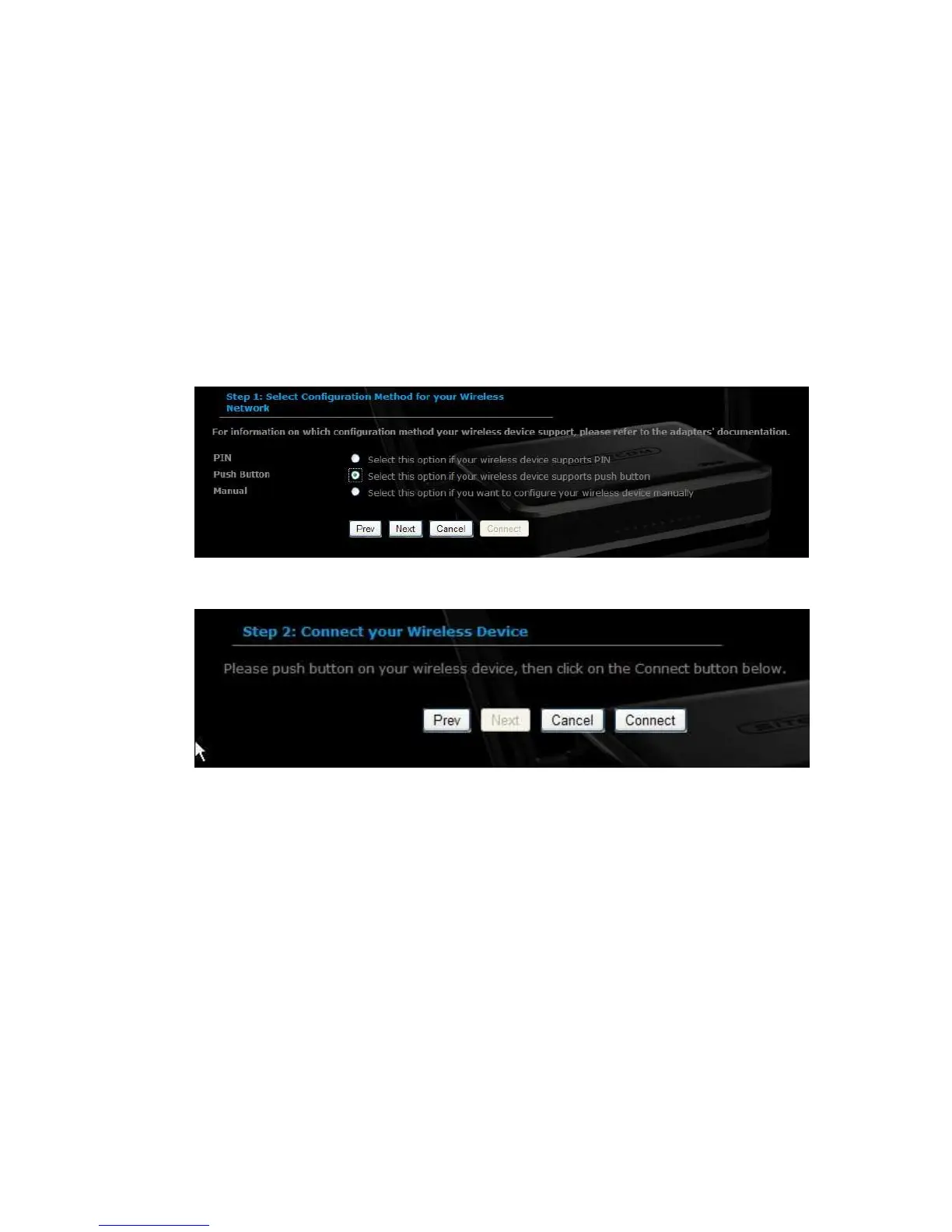
Select the Push Button radio button and then click on the Next button.
Press the WPS button on the device (which is located on the left side of the front
panel) and then click on the Next button.



 To Next Page