53
A
GE
53
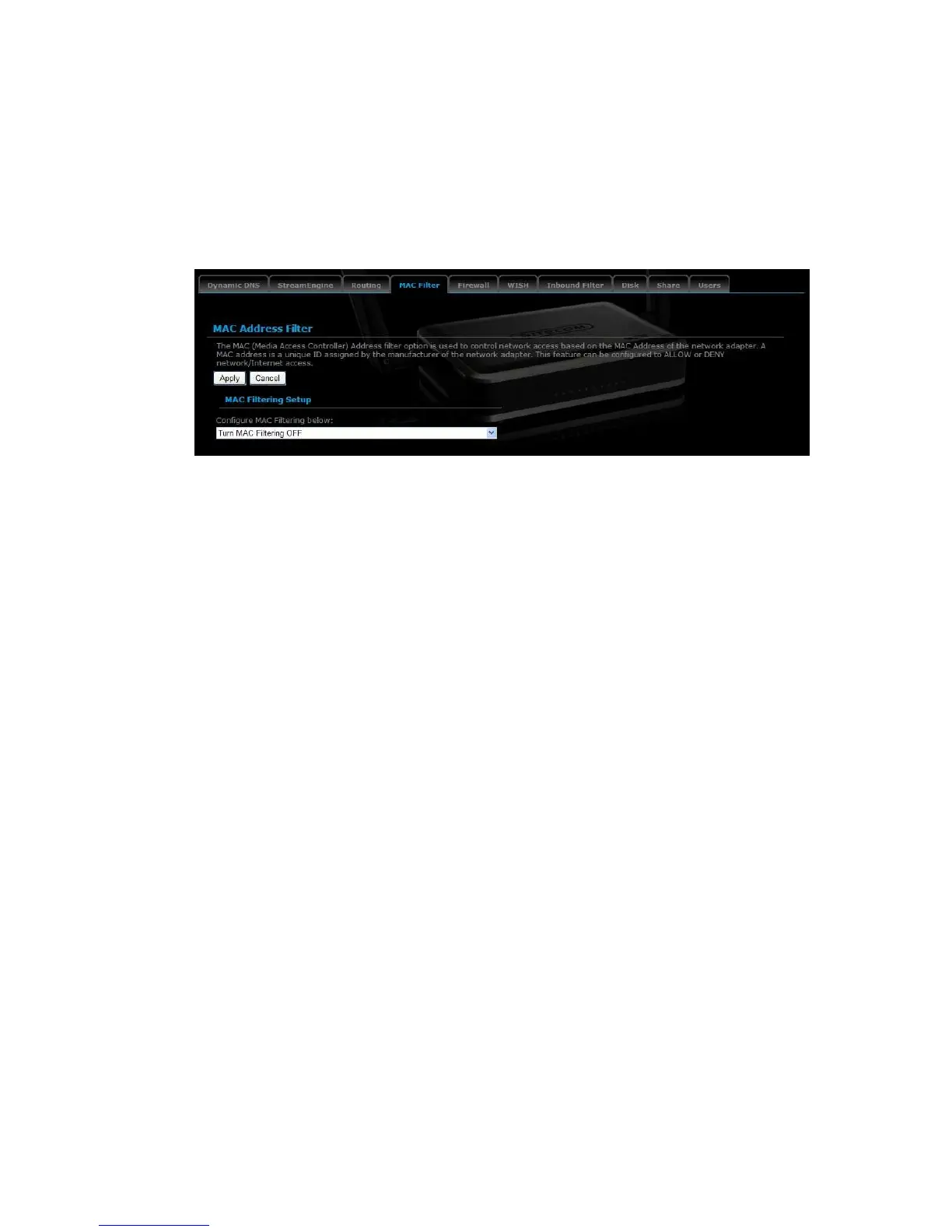
MAC Address Filter
This feature is used to restrict certain MAC address from accessing the Internet.
These filters can be used for securing and restricting your network.
Configure MAC Filtering: Select one of the options from the drop-down list.
o Turn MAC Filtering OFF: When "OFF" is selected, MAC addresses are
not used to control network access.
o Turn MAC Filtering ON and ALLOW computers listed to access
the network: When "ALLOW" is selected, only computers with MAC
addresses listed in the MAC Filtering Rules list are granted network
access.
o Turn MAC Filtering ON and DENY computers listed to access the
network: When "DENY" is selected, any computer with a MAC address
listed in the MAC Filtering Rules list is refused access to the network.
MAC Address: Specify that MAC address that you would like to filter.
Click on the Apply button to store the changes.



 To Next Page