17
A
GE
17
4 Advanced Web Configuration
Logging In
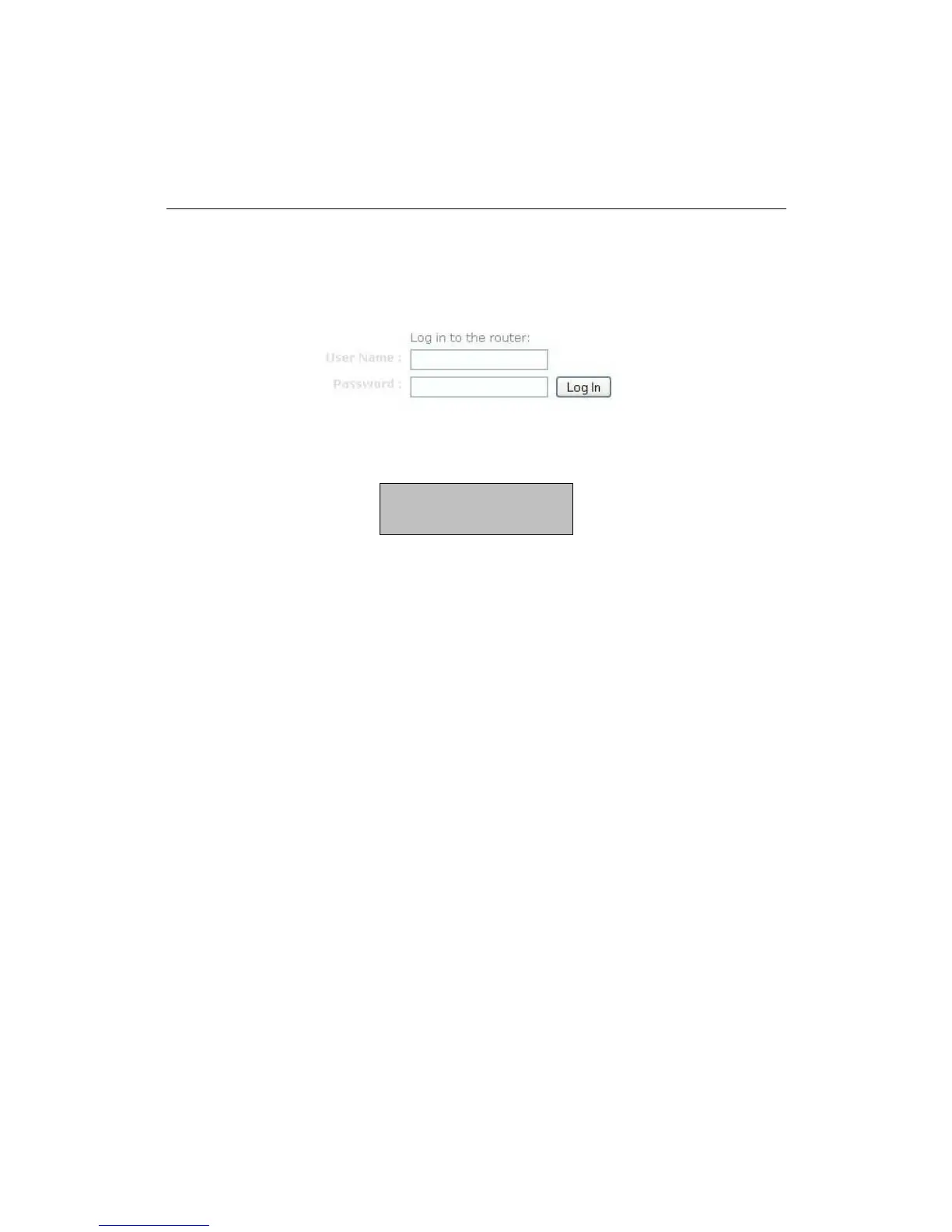
Open a web browser and type in the IP address (default: http://192.168.0.1),
the web-browser will display the login page.
Fill in the username and password. The default credentials are shown below:
After logging in you will see the graphical user interface (GUI) of the device. The
navigation menu on the top is divided into six main sections:
1. Home: This shows the basic status of the router.
2. Wizard: The setup wizard which will guide you through the initial setup.
3. Basic: This menu includes the network settings, wireless settings and WAN
settings.
4. Firewall: This menu includes virtual server, special applications, port
forwarding, access control, etc.
5. Advanced Settings: This menu includes DDNS, the Stream engine, MAC
address filter, web filter etc.
6. Toolbox: This menu displays the Time zone, Firmware update, Password
settings etc.
Username: admin
Password: admin



 To Next Page