13
A
GE
13
3 Wi-Fi Protected Setup Wizard
Wi-Fi Protected Setup is a feature that locks the wireless security settings and
prevents the settings from being changed by any new external registrar using its
PIN. Devices can still be added to the wireless network using Wi-Fi Protected
Setup.
Please refer to Chapter 5 in order to configure the more advanced features of the
device
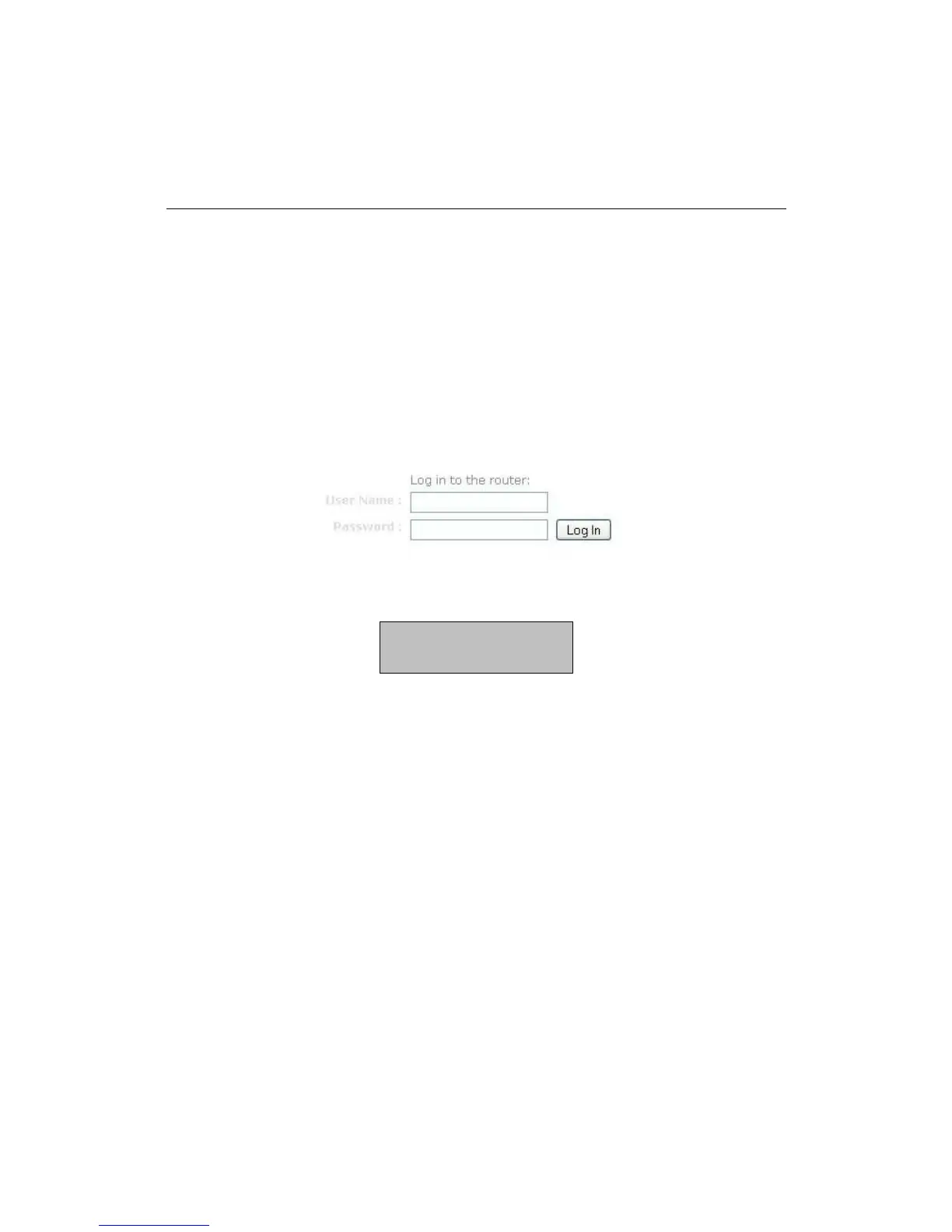
Logging In
Open a web browser and type in the IP address (default: http://192.168.0.1),
the web-browser will display the login page.
Fill in the username and password. The default credentials are shown below:
Username: admin
Password: admin



 To Next Page