24
A
GE
24
4.2 BASIC
Network
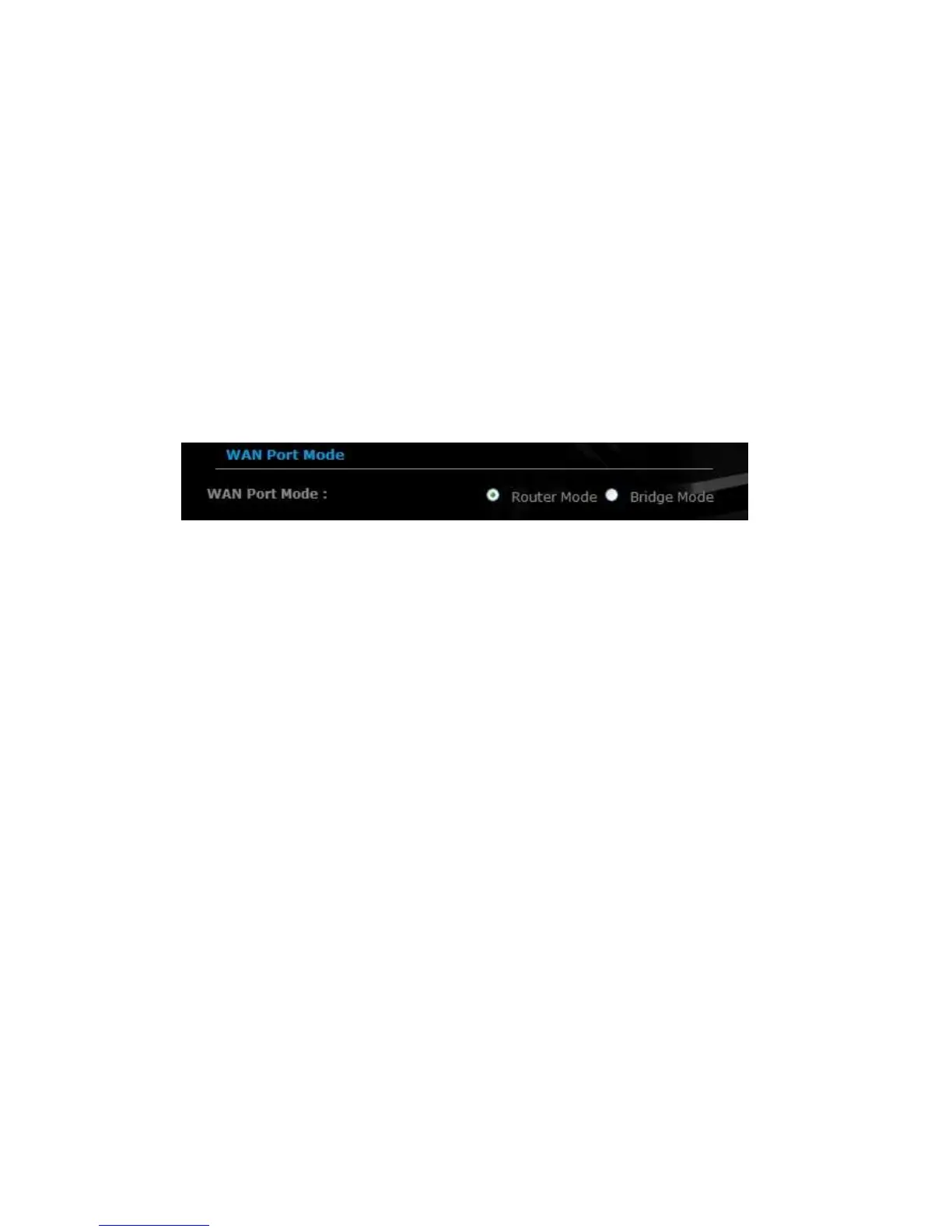
This device can be configured as a Router or a Bridge. Select Router mode if
the WAN port is connected to the Internet. Select Bridge if the device is
connected to a local network downstream from another router.
Bridge Mode
In this mode, the device functions as a bridge between the network on its WAN
port and the devices on its LAN port and those connected to it wirelessly. Select
the Bridge Mode radio button.
WAN Port Mode: Select the Bridge Mode radio button.
Router IP Address: Specify the IP address of this device.
Subnet Mask: Specify the subnet mask for the IP address.
Default Gateway: Specify the IP address of the upstream router.
Primary/Secondary DNS: Specify the IP address of the DNS server.
Click on the Apply button to store these settings.



 To Next Page