46
A
GE
46
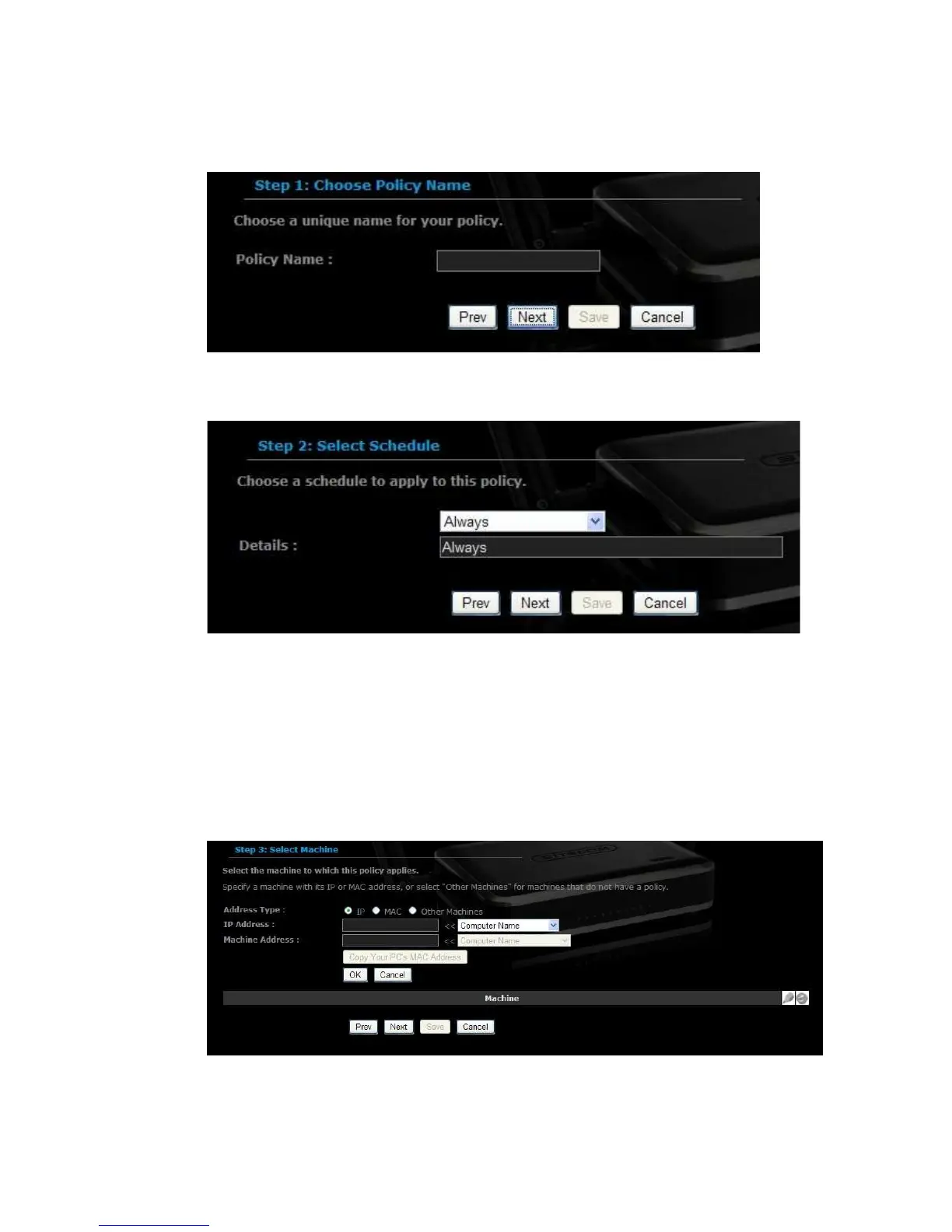
Select a schedule from the drop-down list: Always or Never, or you may
define a new schedule. Click on the Next button to continue.
Select a machine to which the policy applies.
Address Type: Select the IP address or MAC address radio button.
IP Address: If you selected IP address above, then specify the IP address
here.
MAC Address: If you need to change the MAC address of the router's WAN-
side Ethernet interface, either type in an alternate MAC address (for example,
the MAC address of the router initially connected to the ISP) or click on Clone
Your PCs MAC Address.
Click on the OK button to insert the entry into the table.
Click on the Next button to continue.



 To Next Page