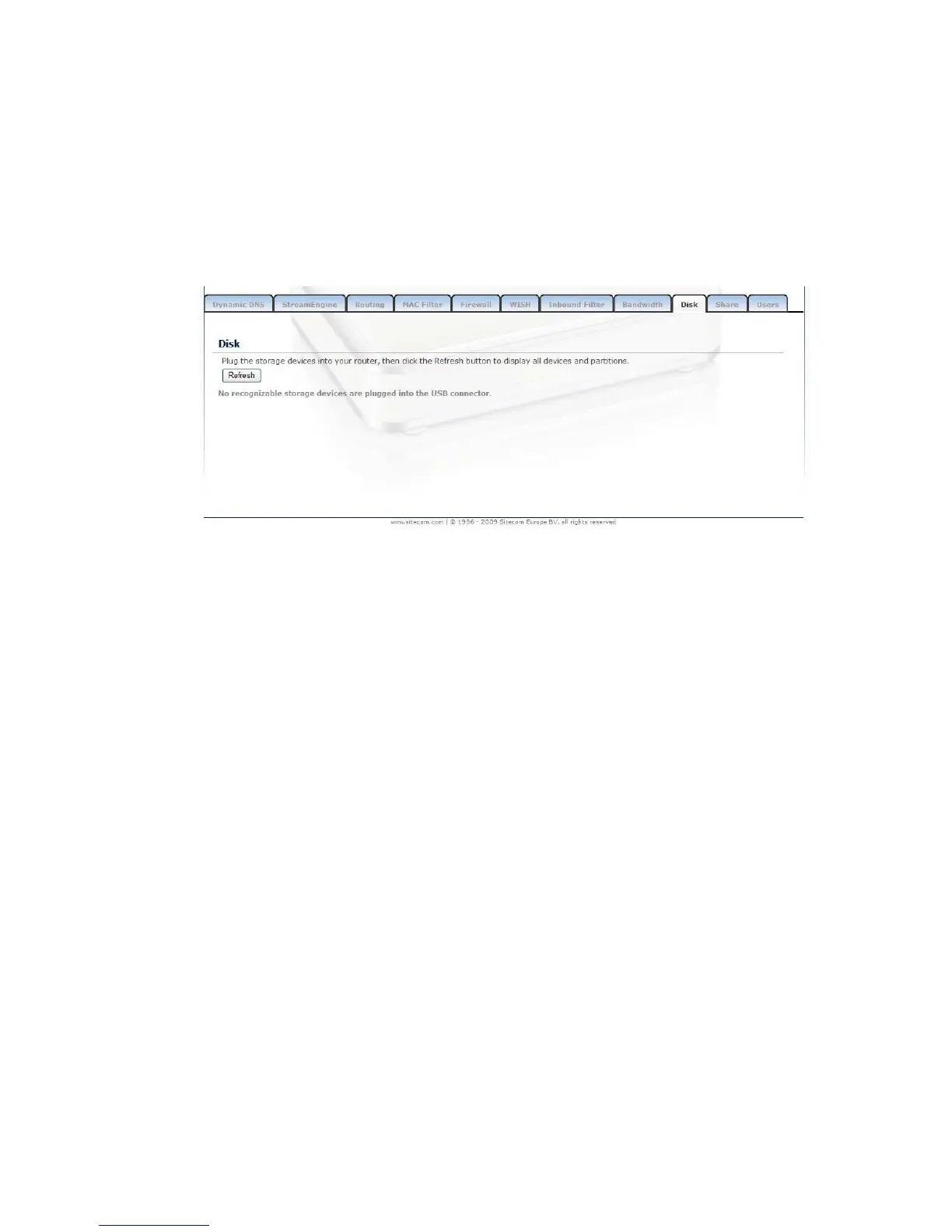
Disk
This page shows information regarding the attached storage devices. File system
type, total space on the device, and available space is shown in the table.
Click the “Safely remove” button, to safely remove the USB disk.
Note: Only FAT12, FAT16, and FAT32 drives are supported. For information
regarding partitioning and formatting of a drive, see the manual of
your operating system.



 To Next Page