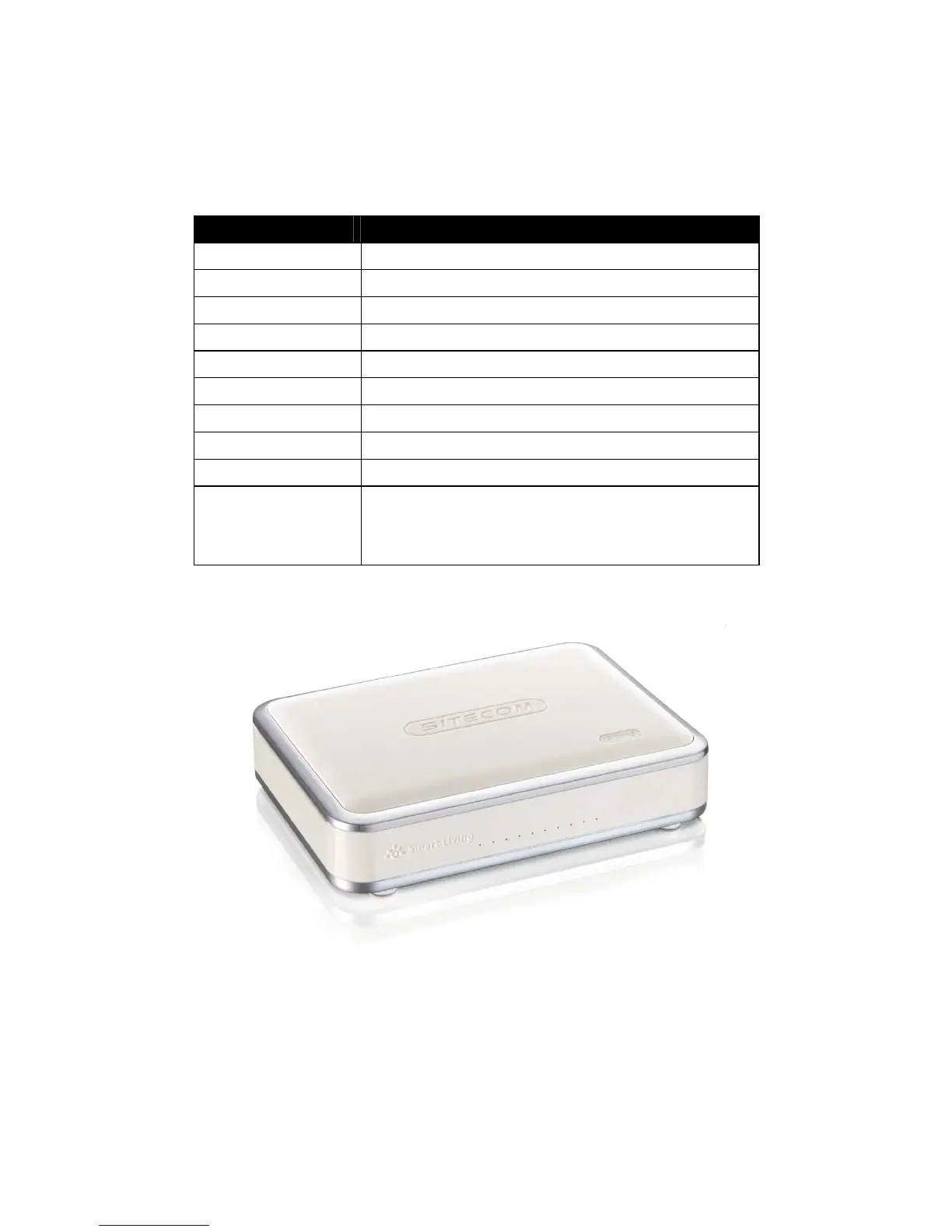
LED Definition
From left to right.
Port Description
Power (Blue) Shows the device is turned on.
USB (Blue) Shows an USB device is connected.
WiFi 2.4 GHz (Blue) Shows WiFi activity on the 2.4 GHz band.
WiFi 2.4 GHz (Blue) Shows WiFi activity on the 2.4 GHz band.
WAN (Blue) Shows the cable is connected.
LAN (Blue) Shows the cable is connected.
LAN (Blue) Shows the cable is connected.
LAN (Blue) Shows the cable is connected.
LAN (Blue) Shows the cable is connected.
WPS (Blue) Shows WPS activity after pushing WPS button.
Flashing = In progress
Solid = success



 To Next Page