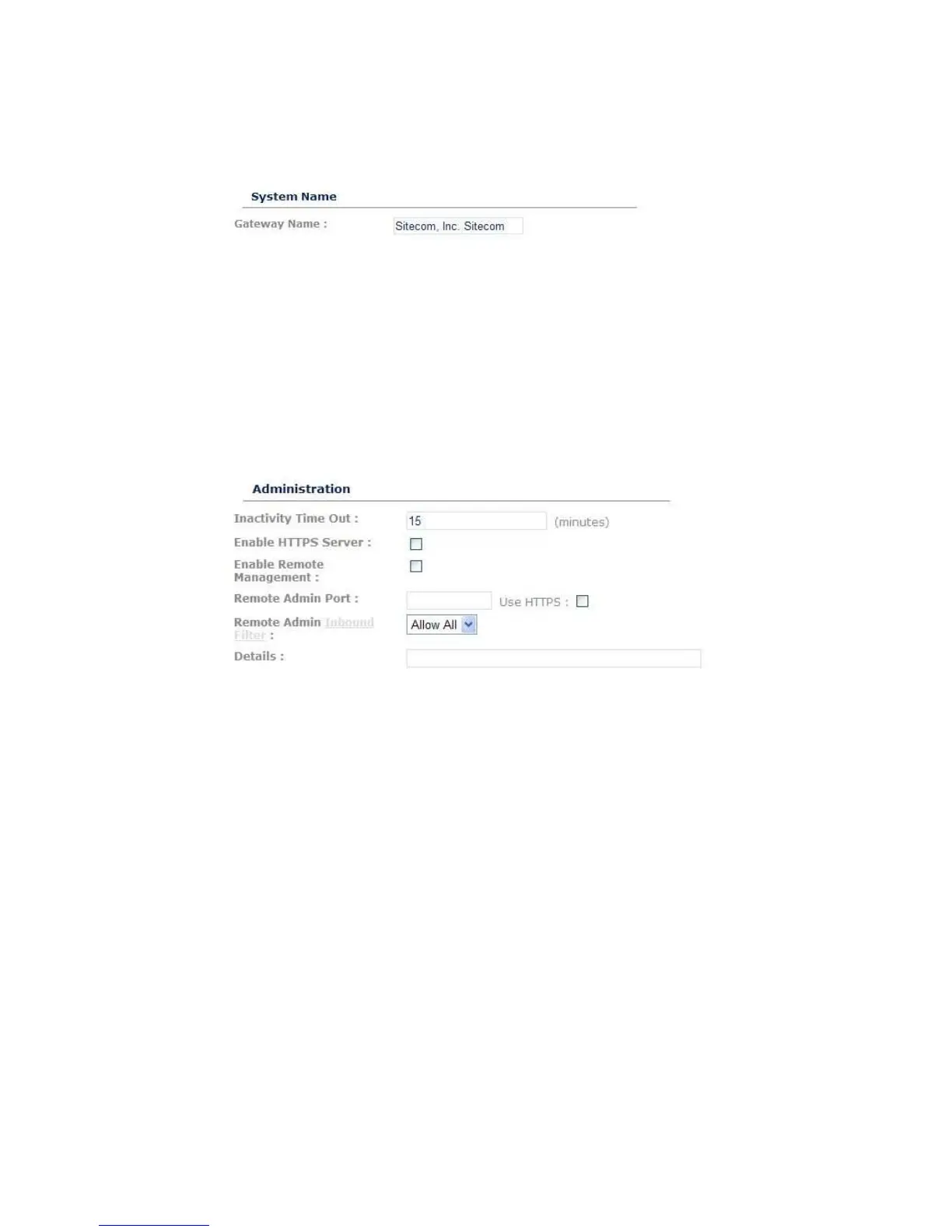
System Name
Gateway Name: Name of your router.
Remote Management
The remote management function allows you to configure the Broadband router
from a remote site.
Inactivity Time Out: Time after which you will be automatically logged out of
the web-interface.
HTTPS Server: Enable HTTPS connection for the web-interface.
Enable Remote Management: Select “Enabled” to enable the remote
management function.
Remote Admin Port: The port number of the remote management web
interface.
Click Apply at the top of the screen to save the above configurations.



 To Next Page