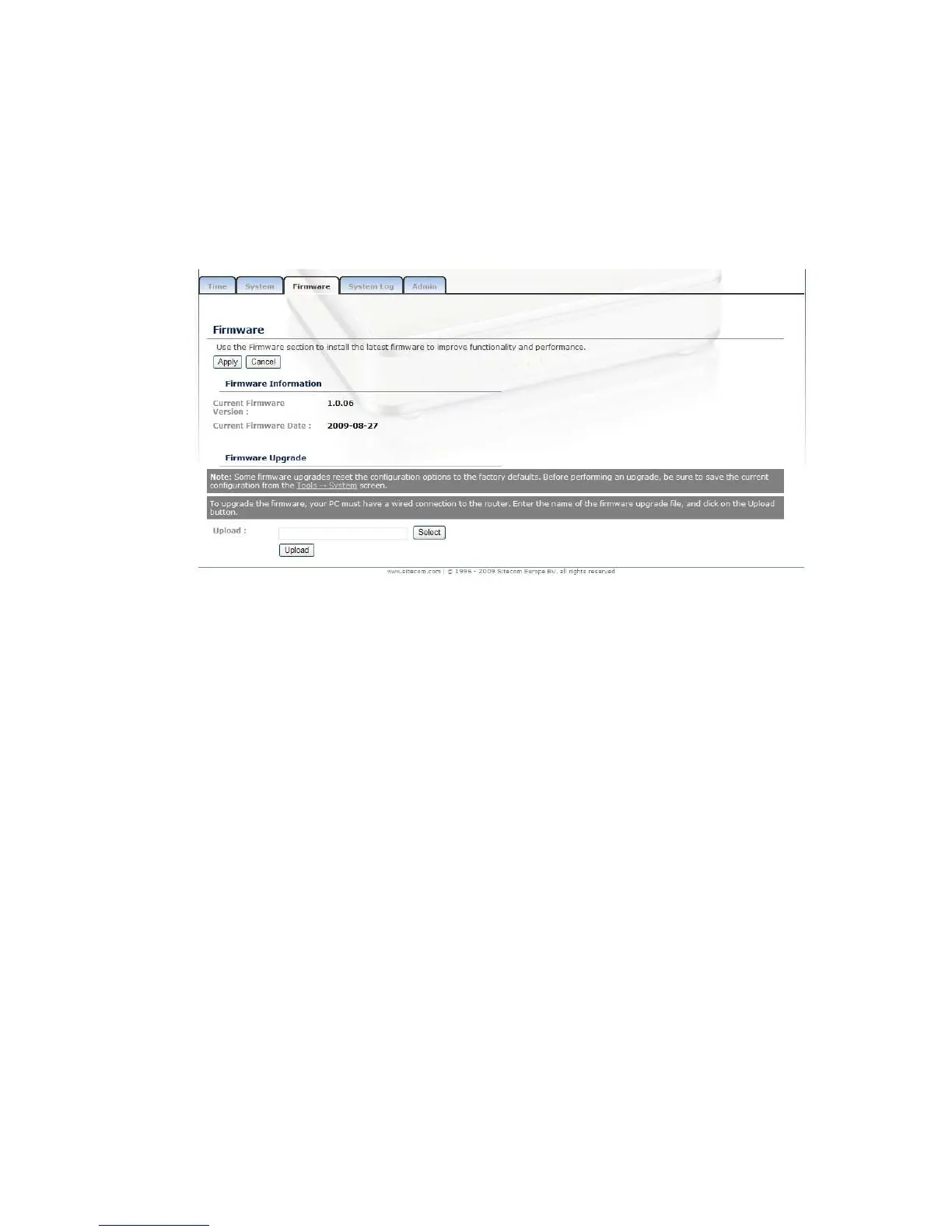
Firmware
Click on the Firmware link in the navigation menu. This page allows you to
upgrade the firmware of the device in order to improve the functionality and
performance. This page also displays the current firmware version and its release
date.
Ensure that you have downloaded the appropriate firmware from the vendor’s
website. Connect the device to your PC using an Ethernet cable, as the firmware
cannot be upgraded using the wireless interface.
Click on the Browse button to select the firmware and then click on the Upload
button.
Syslog
Logs display a list of events that are triggered on the Ethernet and Wireless
interface. This log can be referred when an unknown error occurs on the system
or when a report needs to be sent to the technical support department for
debugging purposes



 To Next Page