12 Firewall Settings
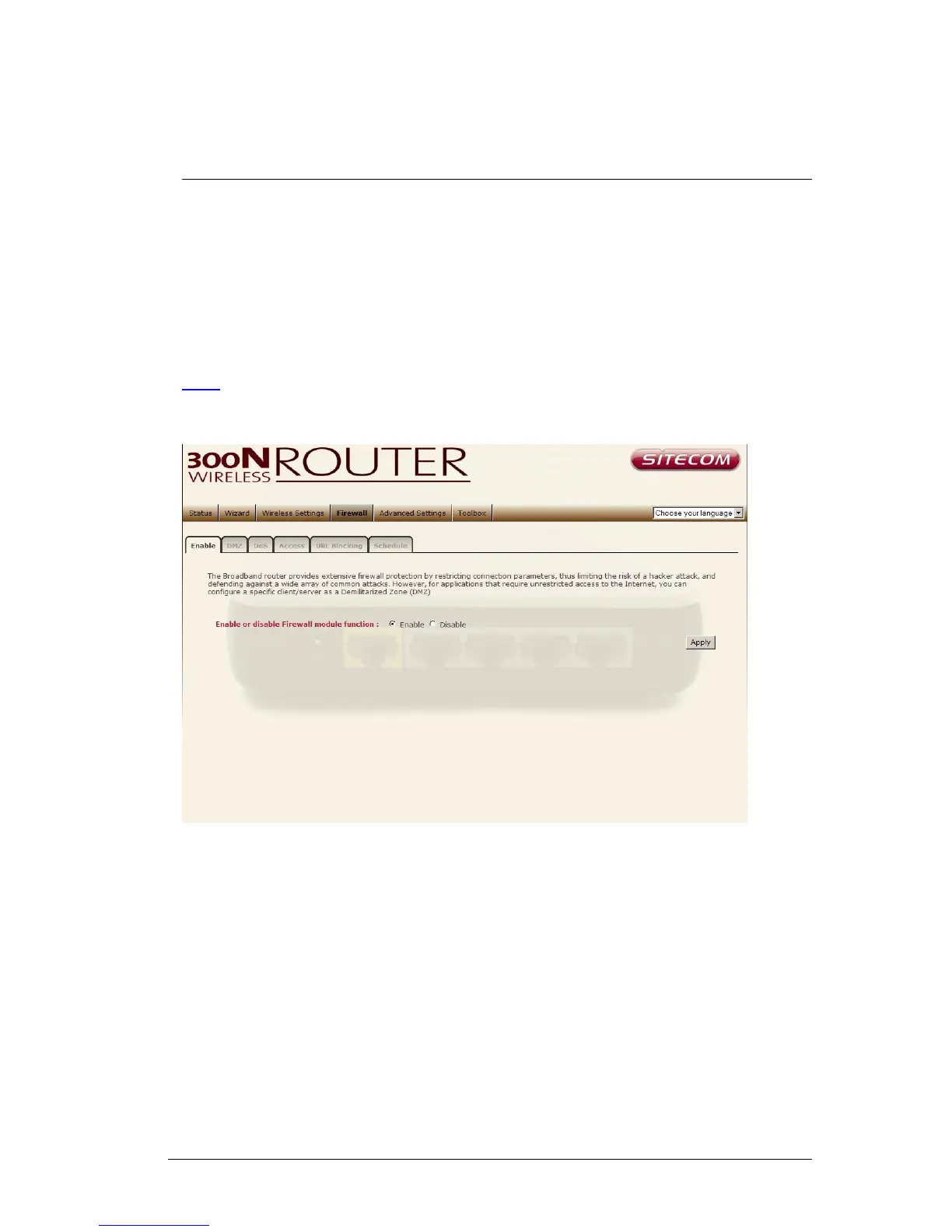
The Broadband router provides extensive firewall protection by restricting
connection parameters, thus limiting the risk of hacker attacks, and defending
against a wide array of common Internet attacks. However, for applications that
require unrestricted access to the Internet, you can configure a specific
client/server as a Demilitarized Zone (DMZ).
Note: To enable the Firewall settings select Enable and click Apply
35



 To Next Page