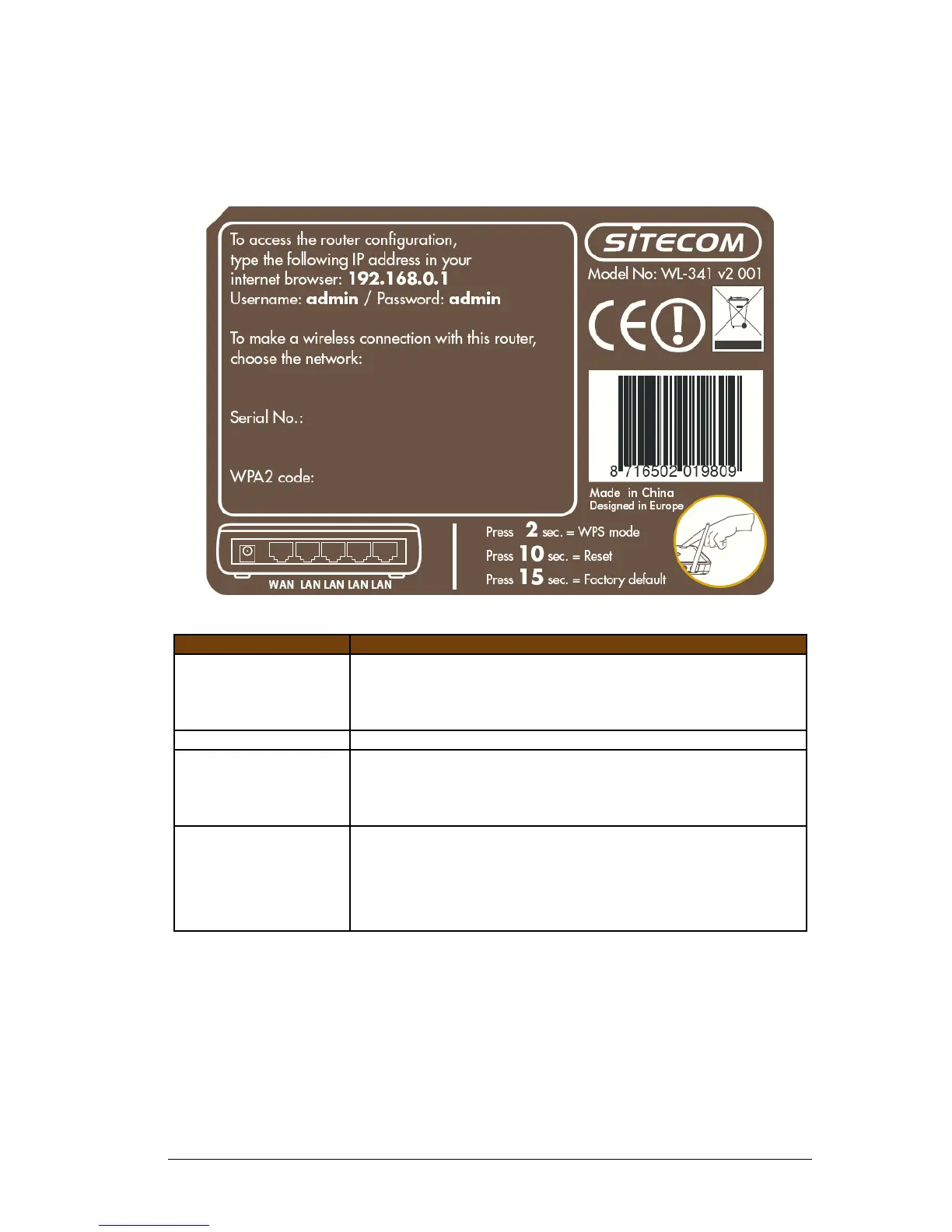
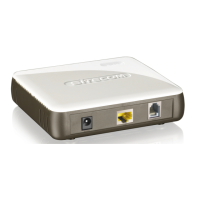
Back label
The back label describes the corresponding LED indications and port
functionality.
LED Description
WLAN
Lights up in yellow when WLAN is enabled, blinks
yellow when WPS is set and lights up blue when
WLAN is connected.
LINK/ACTIVY Blinks on traffic for specific LAN PORT
WAN
Lights up in yellow when WAN port is connected,
lights up in blue when internet connection is
established.
WPS BUTTON
Press 2 seconds for WPS mode
Press 10 seconds to reset the router
Press 15 seconds to reset the router to factory
defaults.
7



 To Next Page