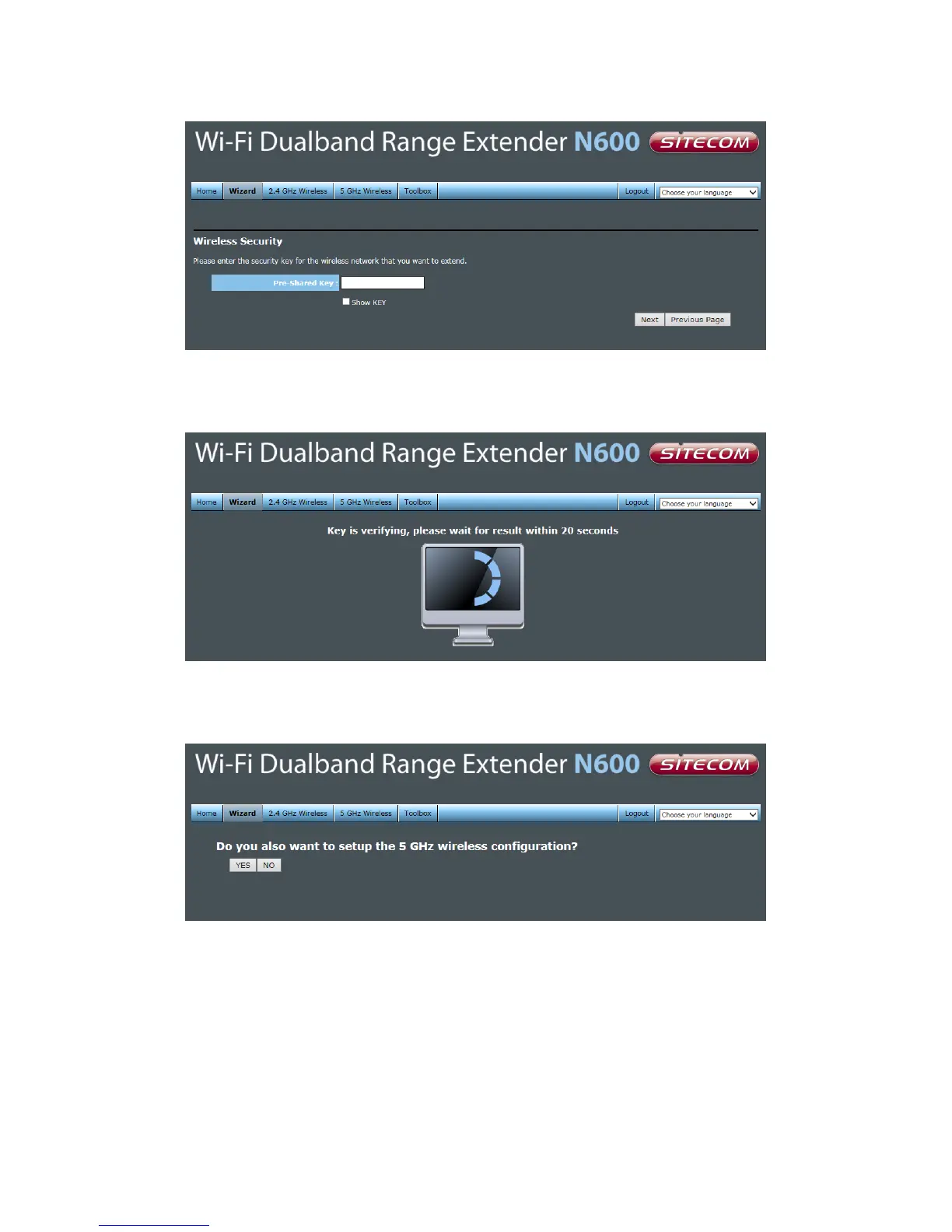
Fill in the security key from your existing network. Please refer to the manual of your
router or access point on how to retrieve this key. Click Next.
Next, the settings are being verified. If the settings have been entered correctly the next
screen will be automatically shown.
If your home router also supports 5GHz (dual band) and you want to connect the Range
Extender to this network, you can follow the same steps again for the 5GHz network by
clicking “YES”. If you click “NO”, the next screen will be automatically shown.



 To Next Page