10 Configuration Wizard
With the wizard you can configure the Range Extender to connect to your existing
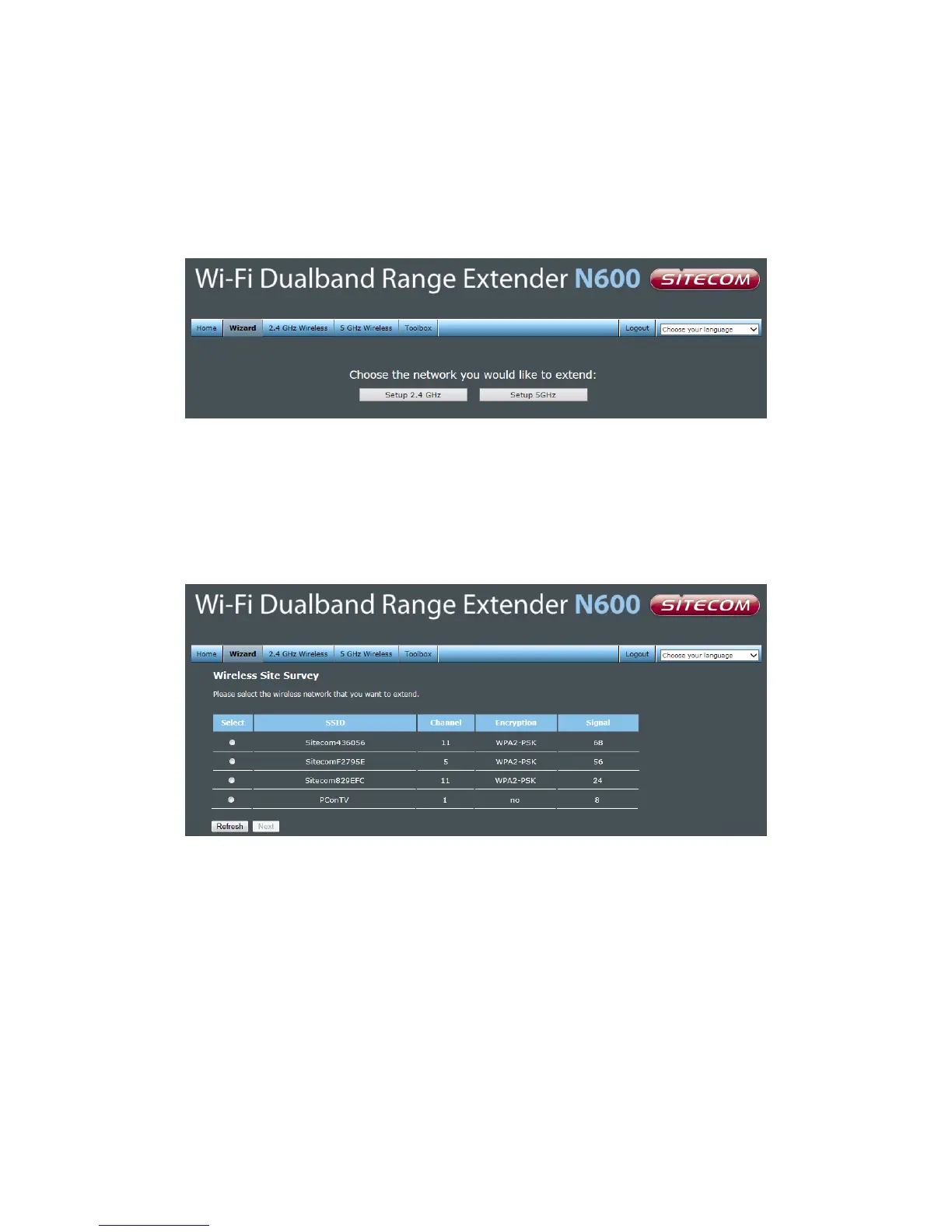
network. Click Wizard to start configuring the WLX-5000. The Setup wizard will now be
displayed.
On the first page you need to select which frequency of your home router you want to
extend. If your router only supports 2.4GHz (single band), select “Setup 2.4GHz”.
Select the network that the Range Extender needs to connect to. You can also see the
signal strength, the channel and the encryption type used on the networks surrounding
the Range Extender.
Select your network from the list. Click Next.



 To Next Page