12
2 Basic Operations
2.1 Making a call
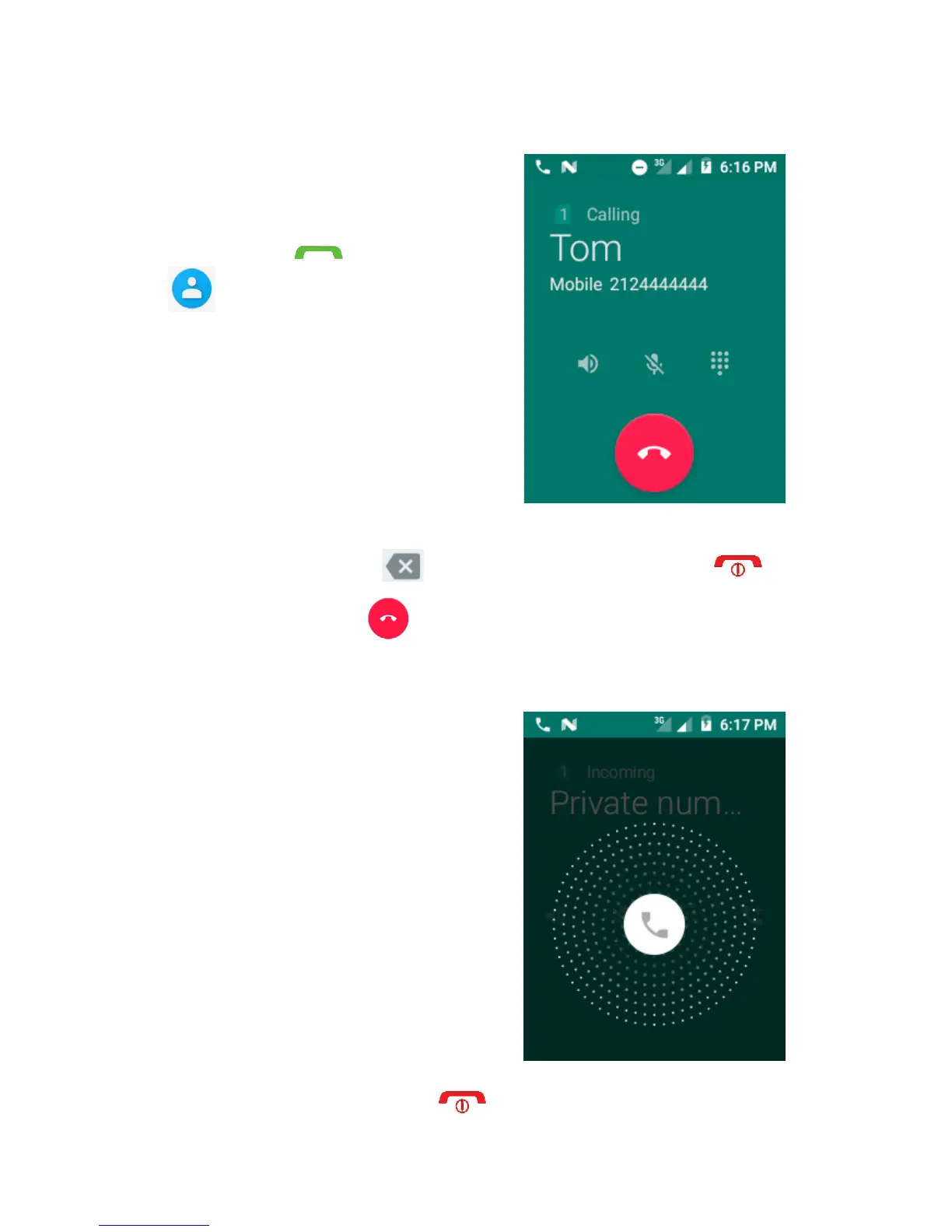
Enter the desired number
from the keyboard directly
and touch , or touch
to open the Contact
list, or select a contact from
Contacts, All.
The number you entered
can be saved to the Contact
list. If you make a mistake
you can delete the incorrect
digits by touching . To hang up a call touch
on the device or on screen.
2.2 Answering or rejecting a call
When receiving an incoming
call, swipe to the right to
answer or swipe to the left
to terminate the call. During
the call you can attach
another person to the call,
put the call on hold, mute
the sound so that the other
side will not hear you, turn
on the speaker or display
the dial keypad. Touch to end the call.


 To Next Page