14
3.2 Edit Text
You can edit the text you have entered. Click the
text you wish to edit, the selected text will be
highlighted in green. Drag the highlighting tab to
change the range of your selection. A menu will
display the options. Choose one of the options: Cut,
Copy, Paste, Select all, Share.
4 Contacts
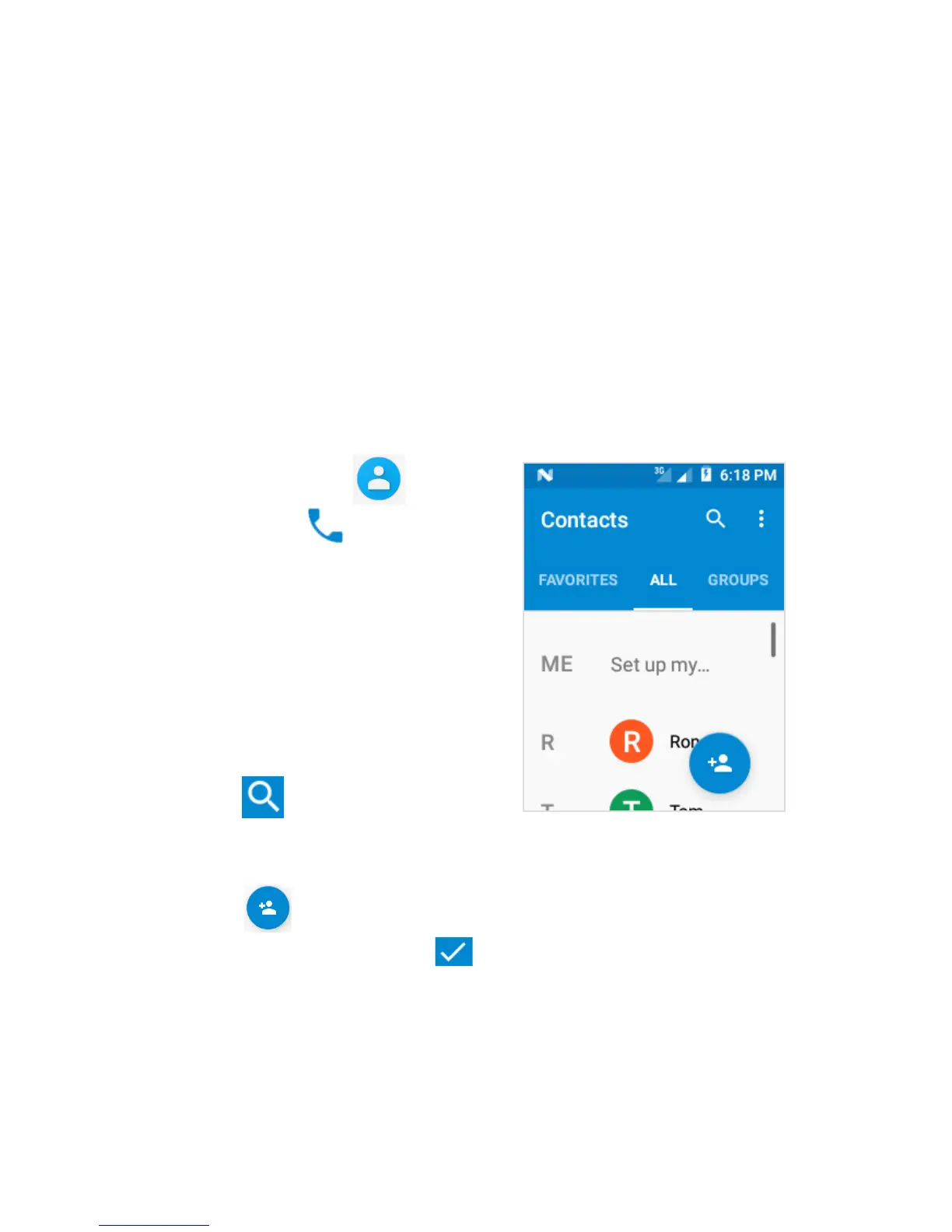
Touch Contacts from
All Apps or Phone to
open the Contacts list.
4.1 Search for a
Contact
Slide with your finger up/
down to find a contact, or
touch to search by name.
4.2 Add a New Contact
Touch to add a new contact.
Fill in the fields. Touch to save.



 To Next Page