15
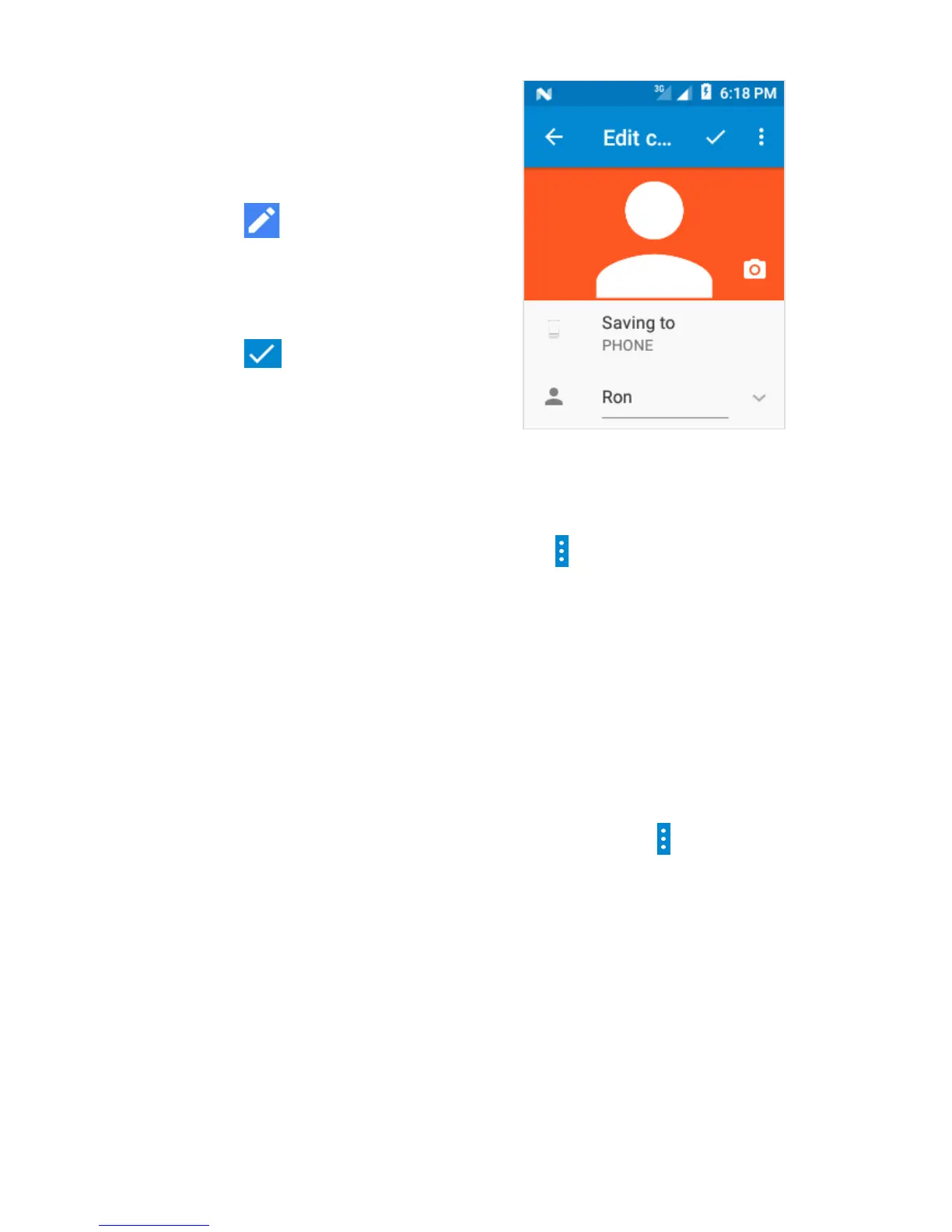
4.3 Edit a Contact
Slide with your finger up/
down to find a contact.
Select the one you need.
Touch to Edit.
Touch More fields to get
more options.
Touch to save.
4.4 Importing, exporting and
sharing contacts
From the Contacts screen, touch key and touch
Import/Export.
From here you can exchange contacts between the
phone and SD card or phone and SIM card.
You can share a single contact or contacts with
others by sending the contact’s vCard to them via
Bluetooth, SMS, Email, etc.
Touch a contact you want to share, touch key and
touch Share from the contact details screen, then
select the application to perform this action.
4.5 Synchronizing contacts in
multiple accounts
Contacts, data or other information can be
synchronized from multiple accounts, depending on
the applications installed on your phone.


 To Next Page