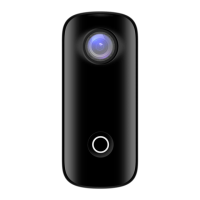
2. Long press to turn on the camera.
After that, press the button twice to
turn on the WiFi.
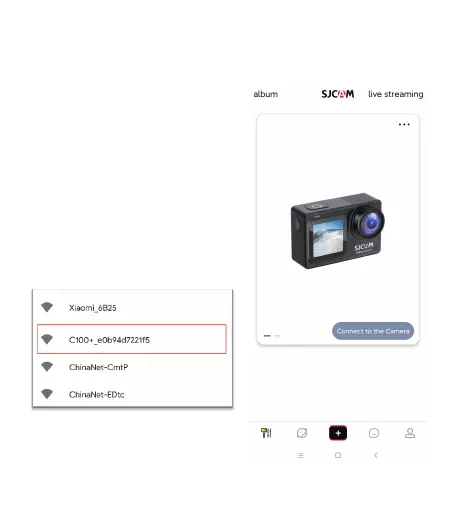
3. Turn WiFi on in your mobile
device, search and connect to WiFi
"C100+_XXXXX" / "C100_XXXXX".
Password: 12345678.
4. After succesfully connecting to
the WiFi, open the SJCAM App, then
click "connect camera" button.


 To Next Page
 Loading...








