SETUP SCREEN 6
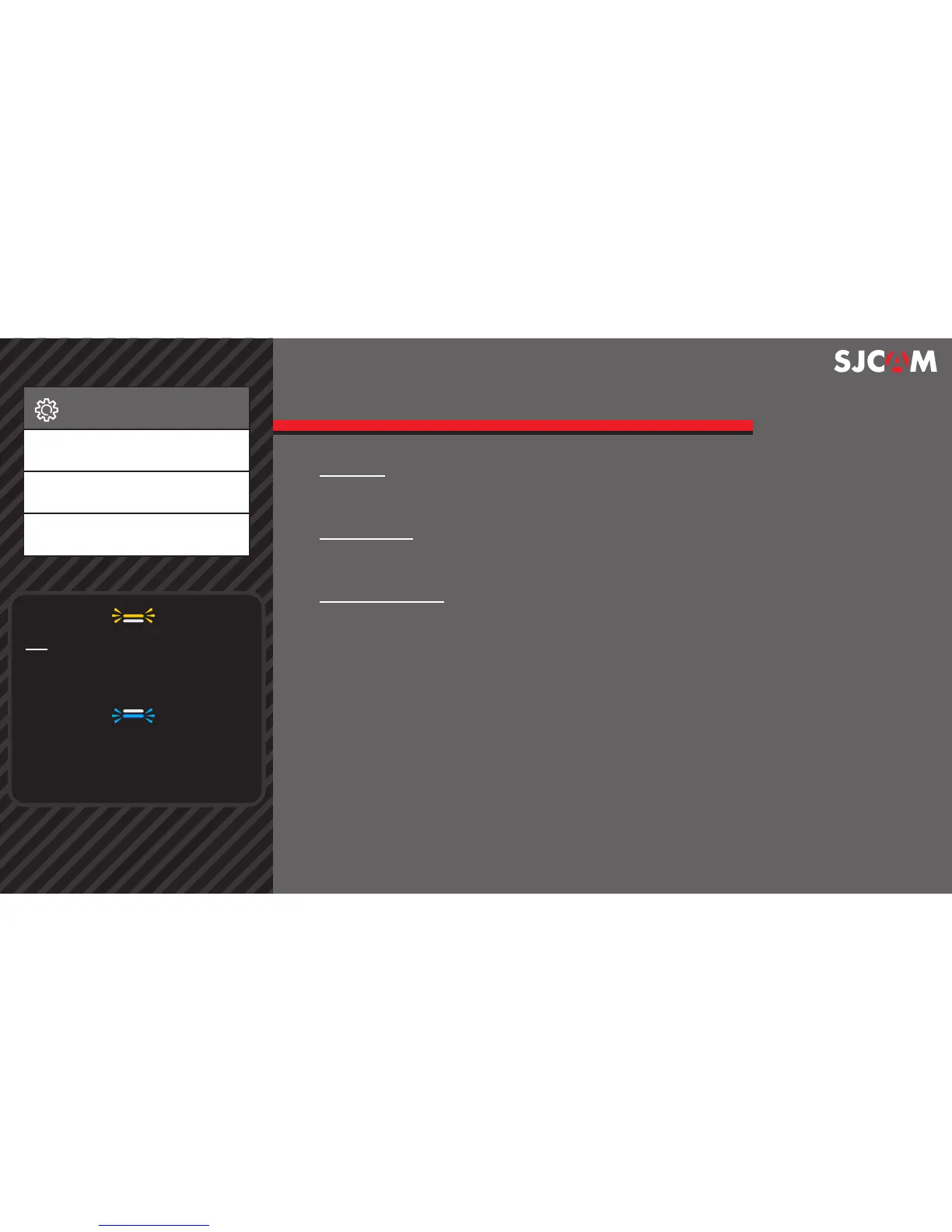
QUALITY Refers to how much compression the output image will have.
The higher the setting the bigger the le is, and will contain more detail.
SHARPNESS Changing the sharpness setting will make your images
either crisperor smoother, adjust according to your preference.
WHITE BALANCE Adjusts the color temperature of the snapshot/
recording to compensate for ambient lighting.
Setup
Quality
Sharpness
White Balance
> > >
TIP: Status lights are easy to read.
The front amber status-indicator
will blink when recording, steady
when on standby.
The Blue LED will blink slowly when
the Wi is connected to a device.
Blue LED will ash continuously
when it is trying to connect.



 To Next Page