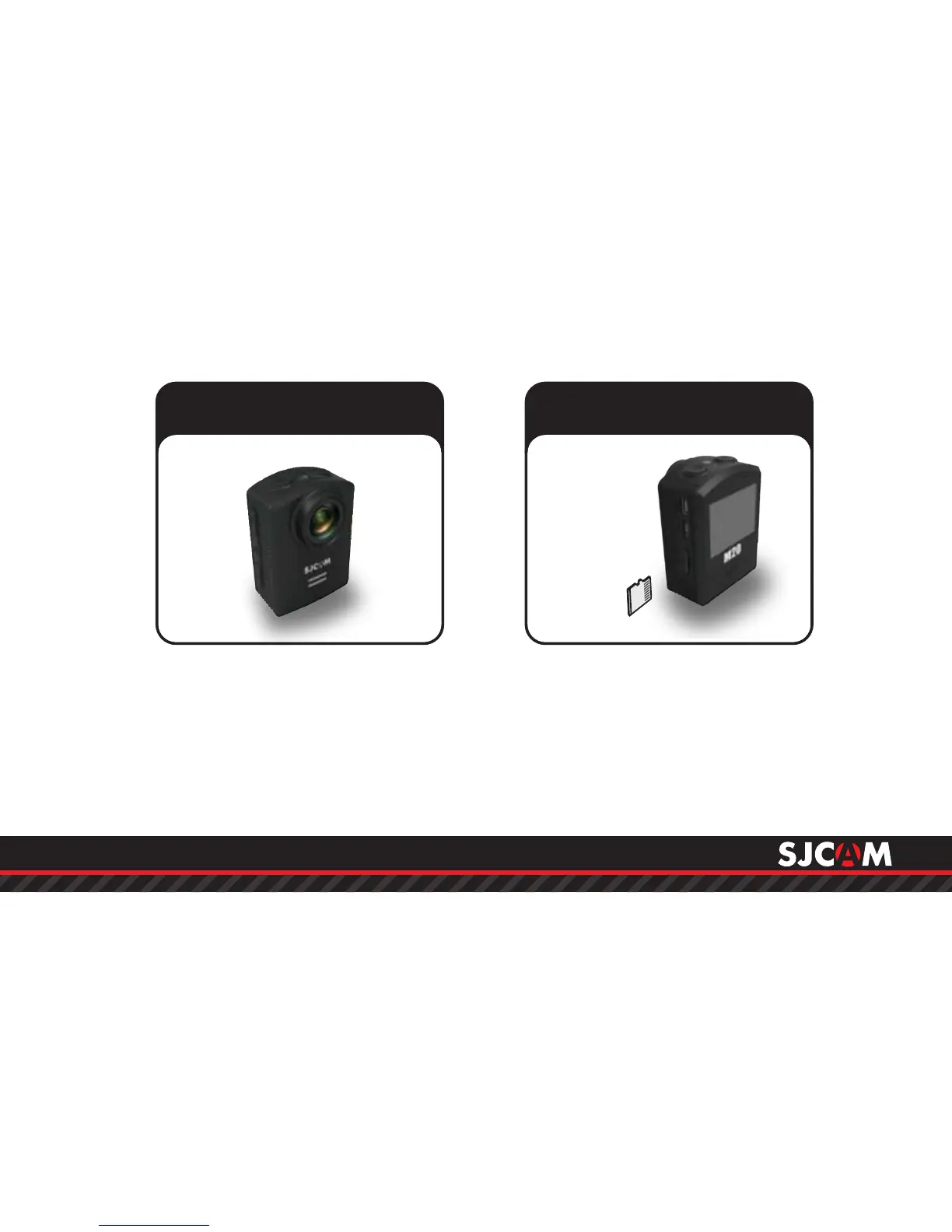
Press the Power/Mode button to turn
your camera on. You will hear a beep,
indicator LEDs will light up, and the
screen will display the SJCAM logo.
Default Mode is Video.
To turn o your camera, long-press
the Power/Mode button.
Powering ON/OFF your M20 Inserting / Removing
Memory Cards
Insert a MicroSD card as shown in the
illustration above, with the label
facing the LCD screen, until it clicks
into place. To remove, just push it in
gently and the card will eject.
To make sure you do not loseNOTE:
any data, only remove or insert your
card while the camera is o.
Class 10 or higher
MicroSD card.



 To Next Page