mmm
mmm
Video/Photo
mmm
mmm
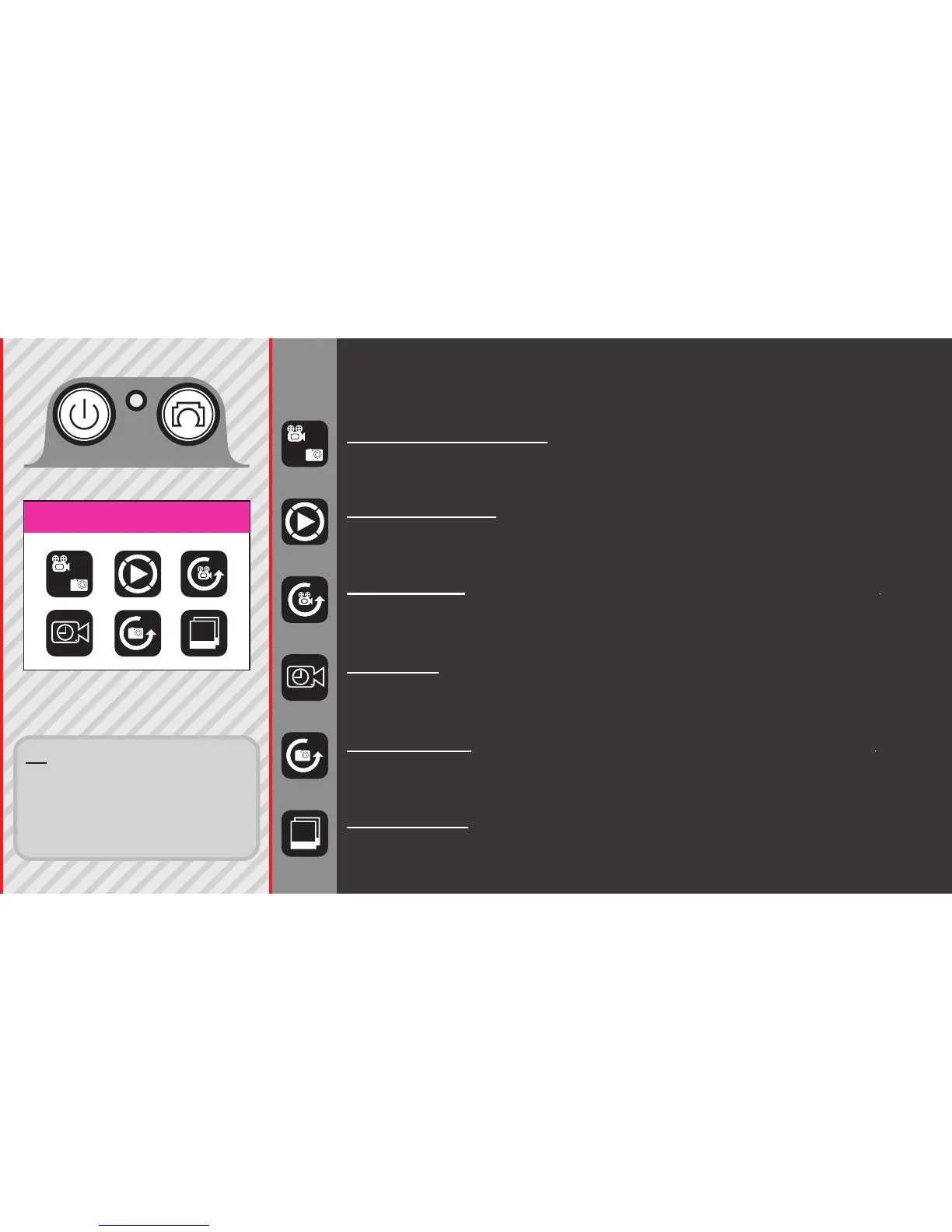
VIDEO / PHOTO MODE: Record videos or Still Photos.
Playback Mode: Displays the recorded Videos or Photos.
Choose an item using Up/Dwn button; Shutter to play.
VIDEO LAPSE: Time-lapse photography stitched on-cam
to produce a video.
SLOW REC: For recording video in slow motion.
PHOTO LAPSE: Timelapse, with each frame saved as its
own picture le.
BURST MODE: Fast multiple succession of snapshots,
choose the number of photos desired
(Max: 10 consecutive shots).
MAIN MENU 1
TIP: You can access the quick-
menus by pressing the DOWN
BUTTON when you are inside a
Mode. Each set of menus will
vary depending on what Mode
you are in.



 To Next Page