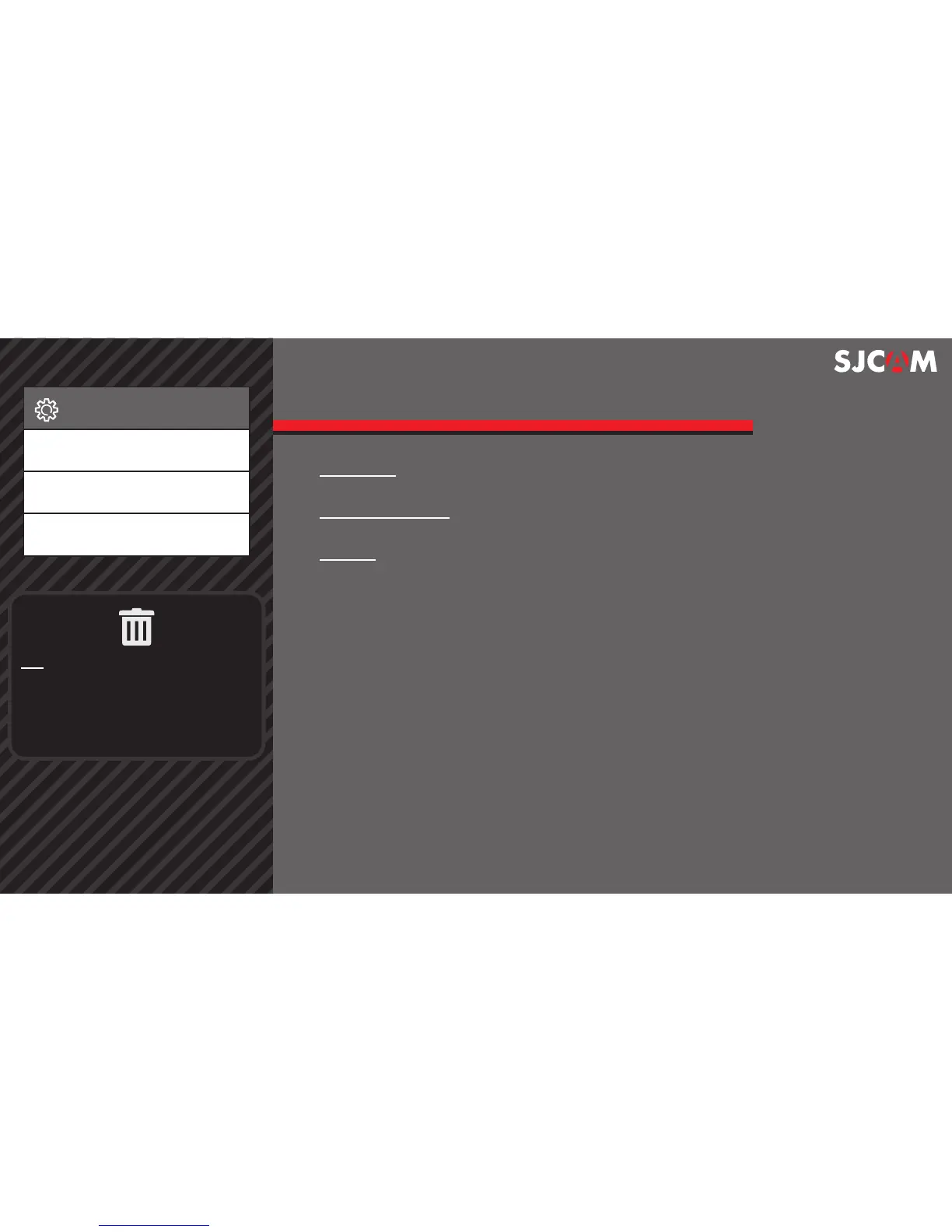
SETUP SCREEN 12
WIFI SSID For changing the WiFi name of your camera.
For changing your cameras WiFi password.WIFI PASSWORD
DELETE Erases currently selected item, or all photos and videos.
Setup
WIFI SSID
WIFI Password
Delete
> > >
TIP: You can also delete items when
in Playback mode while an image or
video is displayed.
Just long-press the Down button,
and you will be presented with the
delete options.



 To Next Page