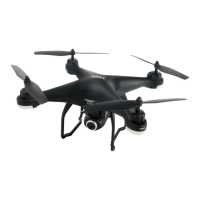
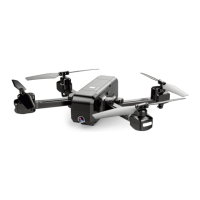
port of the drone. When charging, the indicator on the power switch will become blue blinking. When
fully charged, all indicators on the power switch will turn solid blue.
2. Quad-copter can be charged by the mobile power or car-loaded power.
3. Full charging time takes about 60 minutes. Flight time about 8 minutes.
4. Remote lithium battery Full charging time takes about 50 minutes.
CAUTIONS WHEN CHARGING:
1. When charging, please put this product in a dry ventilated area and keep it far away from heat sources
or flammable products.
2. When charging, it is recommended to remove the batteries from the quadcopter. Charging process
should be supervised by an adult so as not to cause an accident. The battery can also be charged while in
the quadcopter.
3. After flying, please do not charge the battery if the surface temperature is still warm. If the battery has
been used for a long time, or appears to be swollen, please replace them.
4. Please make sure that you use the original USB charging cable provided.
5. A battery when not in use for a long time will lose its charge automatically. Charging or discharging too
often may reduce the life of the battery.
DISCLAIMER: You must use the original USB cable and standard 5V wall charger.
WARNING: Never charge with an input stronger than 5V. This can cause the battery to overheat.
PREPATATION FOR FLIGHT/GPS CALIBRATION
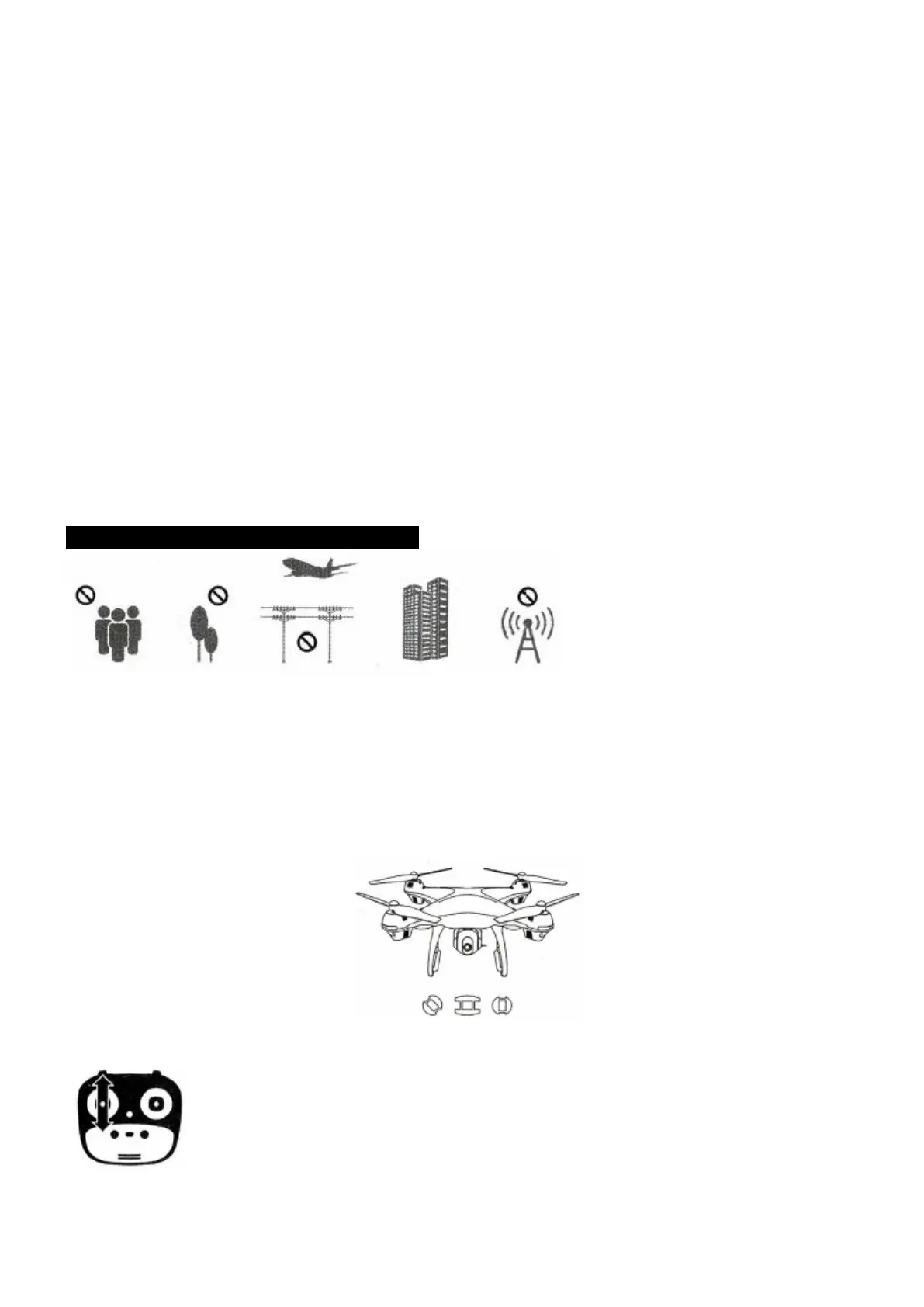
Please choose the spacious indoor or outside environment for flying, also it requires that it should be flied
under the weather of non-snow or non-storm with wind force less than Level 4. When flying, please DO
keep it far away from the crowd, tree, electric wire, skyscraper, airport or signal transmitting tower, etc.
Step 1: Turn on drone and set down on a level surface*
- *The drone will auto-trim to this level surface.
- All lights blinking red.
- Press Up, then Down on the left joystick.
- Lights flashing blue (back) and white (front).
- NOTE: *You can connect to the WiFi at this time to view the current drone status
on the SJ-GPS App, or wait until after GPS is calibrated.
GPS CALIBRATION (CONTINUED)



 To Next Page