53
USING THE APPS „ICONSOLE+“ &
„KINOMAP“
Using the apps „iConsole+“ & „KinoMap“
The computer can be connected via Bluetooth to communicate with the apps iConsole+ or KinoMap.
Bluetooth frequency: 5.3 kHz.
1) iConsole+
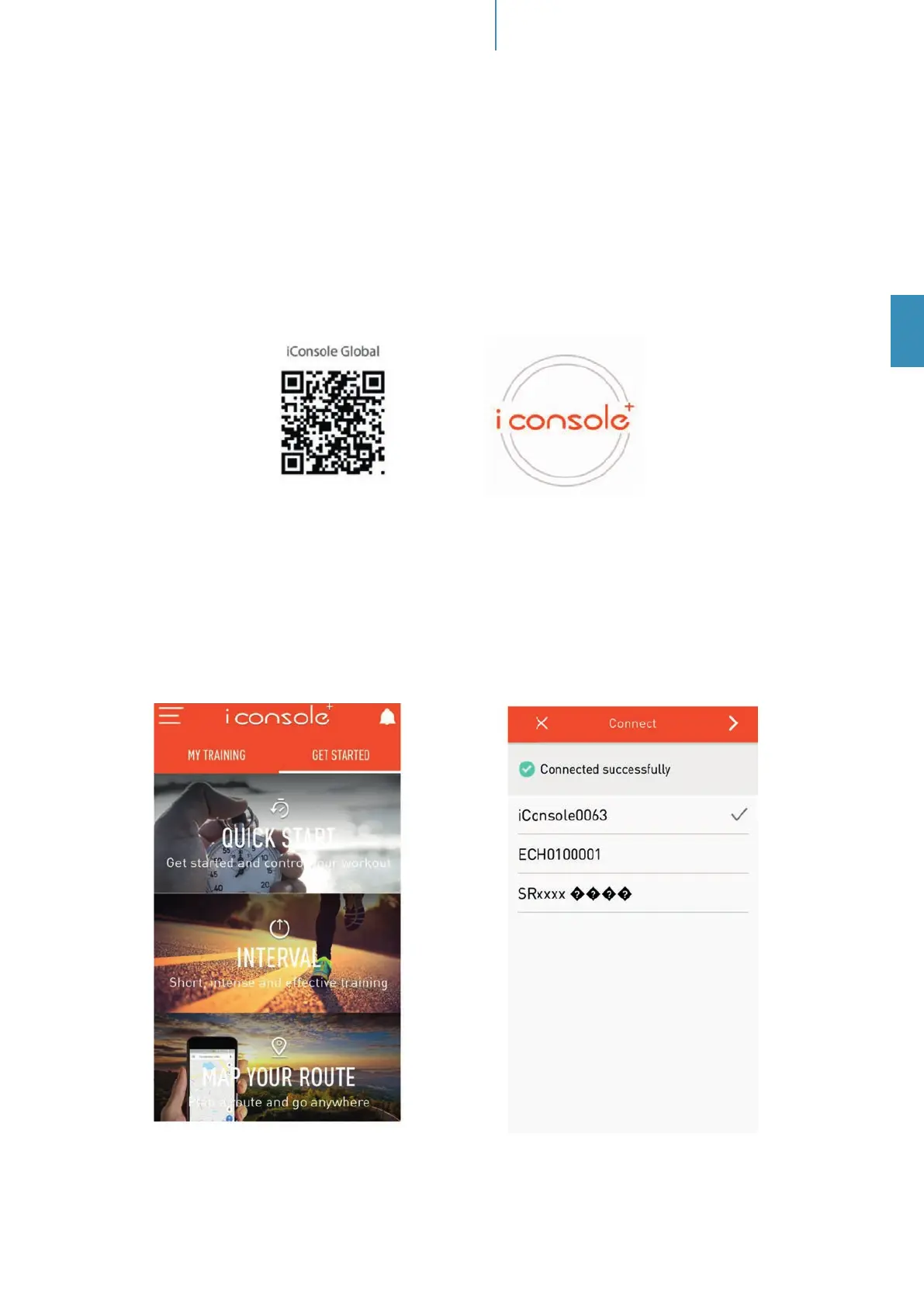
Activate Bluetooth on your mobile device, download the app „iConsole+“ an install on your iOS- or Android
device. You may use the app search function of your mobile device or the following QR code to nd the app:
System requirements:
Android 5.0 or newer with Bluetooth
®
4.0
iOS 10 or newer with Bluetooth
®
4.0
For Android devices, „unknown sources“ need to be accepted in the device security settings („Settings ->
Device security“).
After starting the app, the connection with the training device need to be established via Bluetooth
®
- there-
fore select „Quick Start“, „Interval“, „Map“:
Once console is connected to smart device via Bluetooth
®
, the console will power o .


 To Next Page