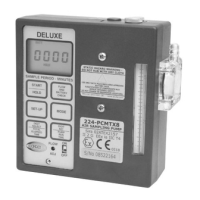
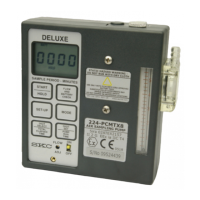
11
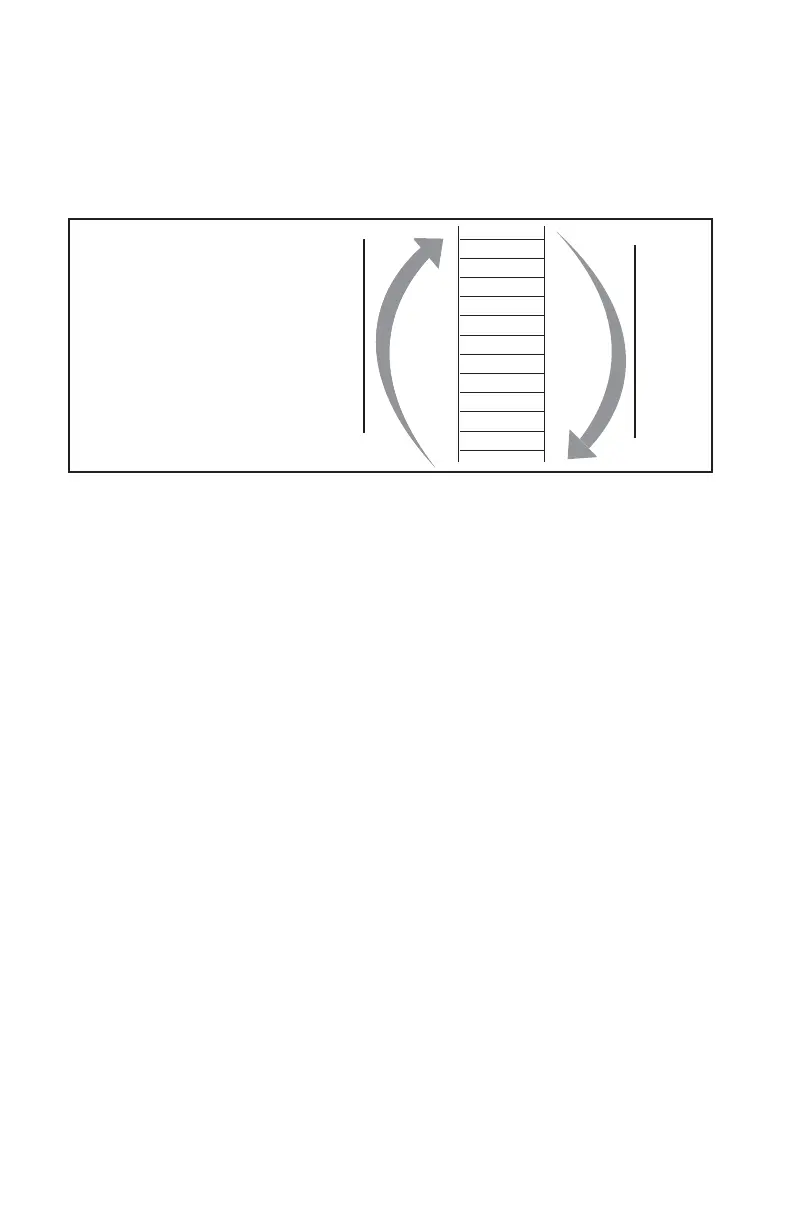
• To navigate presets and displays:
Press
or to scroll through presets or displays.
• To select a run time preset and run the pump:
Scroll to desired run time preset.
Select preset by pressing [
]. The pump will start to run.
• To run the pump:
Press [
].
• To place the pump in hold:
Press [
].
• To repeat a sample run:
From Done, reset (rSEt), or sampling error (SErr), press [
] to return to run
time preset. Press [
] to sample.
• To turn off LED:
The pump automatically turns off LED after it is idle for 4 minutes. User can
reactivate the LED by pressing and holding
.
• To interrupt a run, terminate a sample, or reset a pump:
From Hold, press
. Sample reset (rSEt) will display. Press [] to reset the
pump or
to ignore the reset and return to Hold.
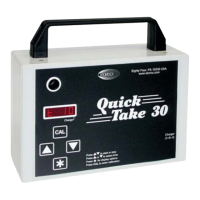
• To set fl ow or calibrate:
See Calibration and Se ing Flow for details.
1. Connect a calibrator to the pump inlet.
2. Scroll to any run time preset. Press and hold CAL for 2 seconds to enter
calibration mode (pump will start running).
3. Press or to change fl ow rate until desired fl ow appears on the
calibrator (fl ow rate does not display on LED).
4. Press
and Stor will display. Press [] to save se ing or to ignore
changes.
Selecting the
Available Presets
Press or
Press
5
4
3
2
1
CONT
INTT
END
999
998
997
Press


 To Next Page