10
Operation
Button Sequence
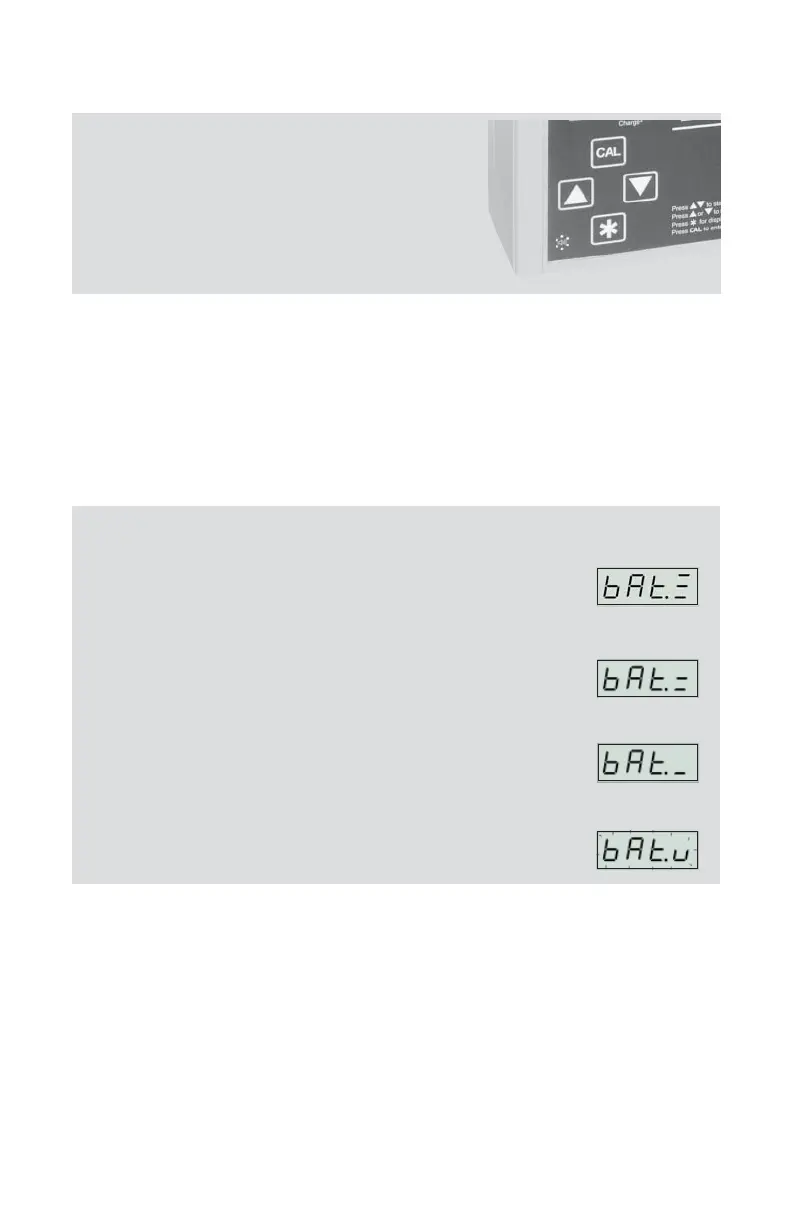
Bu ons must be pressed in the sequence
shown.
or = Press individually
[
] = Press both simultaneously
= Security code, press in sequence
Operating the Pump
• To activate LED:
Press and hold
for 2 seconds.
• To check battery status:
With the LED on, press
. If ba ery status is low, recharge the ba ery (see
Charging the Ba ery on page 6).
Battery Status Indicators
Full charge; approximately 75 to 100% ba ery capacity
remaining
Ba ery is charged enough to operate the pump;
approximately 25 to 75% ba ery capacity remaining.
Ba ery charge is low (charge ba ery); approximately
1 to 25% ba ery capacity remaining.
Low Ba ery Fault. Pump will stop running, beep, and
go to sleep in 10 seconds.


 To Next Page